
October 15, 2026 · CHARITY
Customer Service Leads: Who Is Overloaded Right Now?
Customer service teams often cannot see who is overloaded until replies slip. Learn how a shared inbox shows workload, owners and response times.
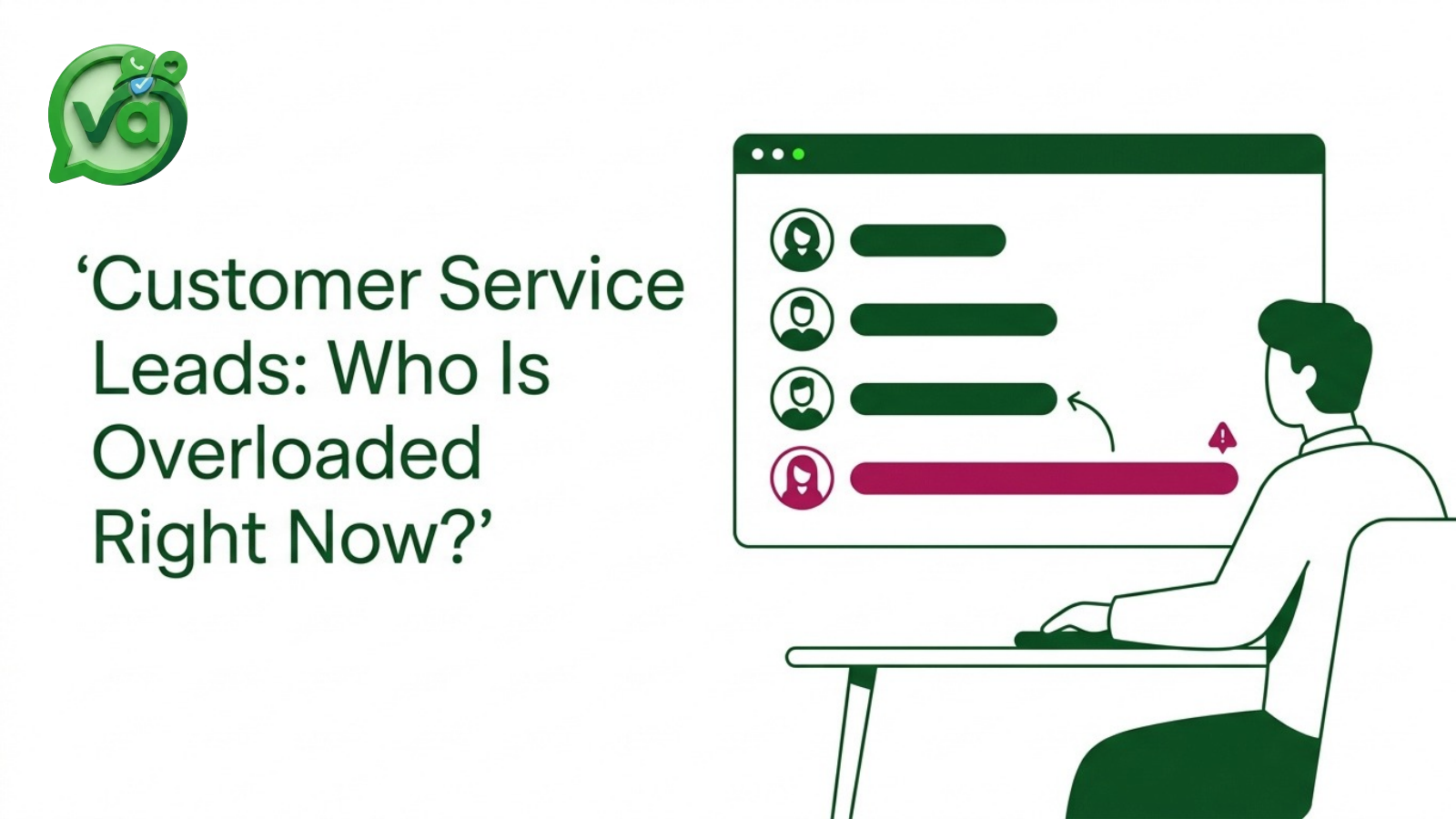
It is Monday, 9 AM. Your customer service team logs in, coffee in hand, and the queue is already breathing down everyone's neck. One agent, let's call her Priya, opens her view and sees 40 conversations still marked open from the weekend. Across the same team, another agent named Tom has 6. Somewhere in that pile sits a brand new lead who filled out a form at 8:47 and is now quietly watching the clock, deciding whether you are worth waiting for.
Nobody notices the imbalance. Not yet. Everyone is heads-down, typing, clearing what is in front of them. The gap only becomes visible later, when the lead has gone cold and the postmortem starts. By then it is a question of blame instead of a question of load.
Why customer service teams cannot see overload until replies slip
Here is the uncomfortable truth. Most teams measure overload after the damage is done. The first signal is a slipped reply, an angry follow-up email, or a lead that stops responding. None of those are early warnings. They are receipts.
The reason is structural. When conversations are scattered, each agent only sees their own slice. Priya has no idea Tom is coasting on 6 open threads. Tom has no reason to think Priya is drowning. And the lead, the one person who matters most in that moment, is invisible to both of them because nobody owns the new conversation yet.
This gets worse when channels multiply. If your messages are split across email, chat, social DMs, and a web form, you are living the problem I wrote about in the five apps, one customer post. Context evaporates. A manager scanning five tools cannot answer a simple question: who is overloaded right now? By the time they piece it together manually, the window has closed.
That is the quiet failure mode of customer service work. It does not collapse in one dramatic moment. It leaks. A few minutes late here, a dropped thread there, and the numbers at the end of the month look worse than anyone expected.
What overload does to new leads
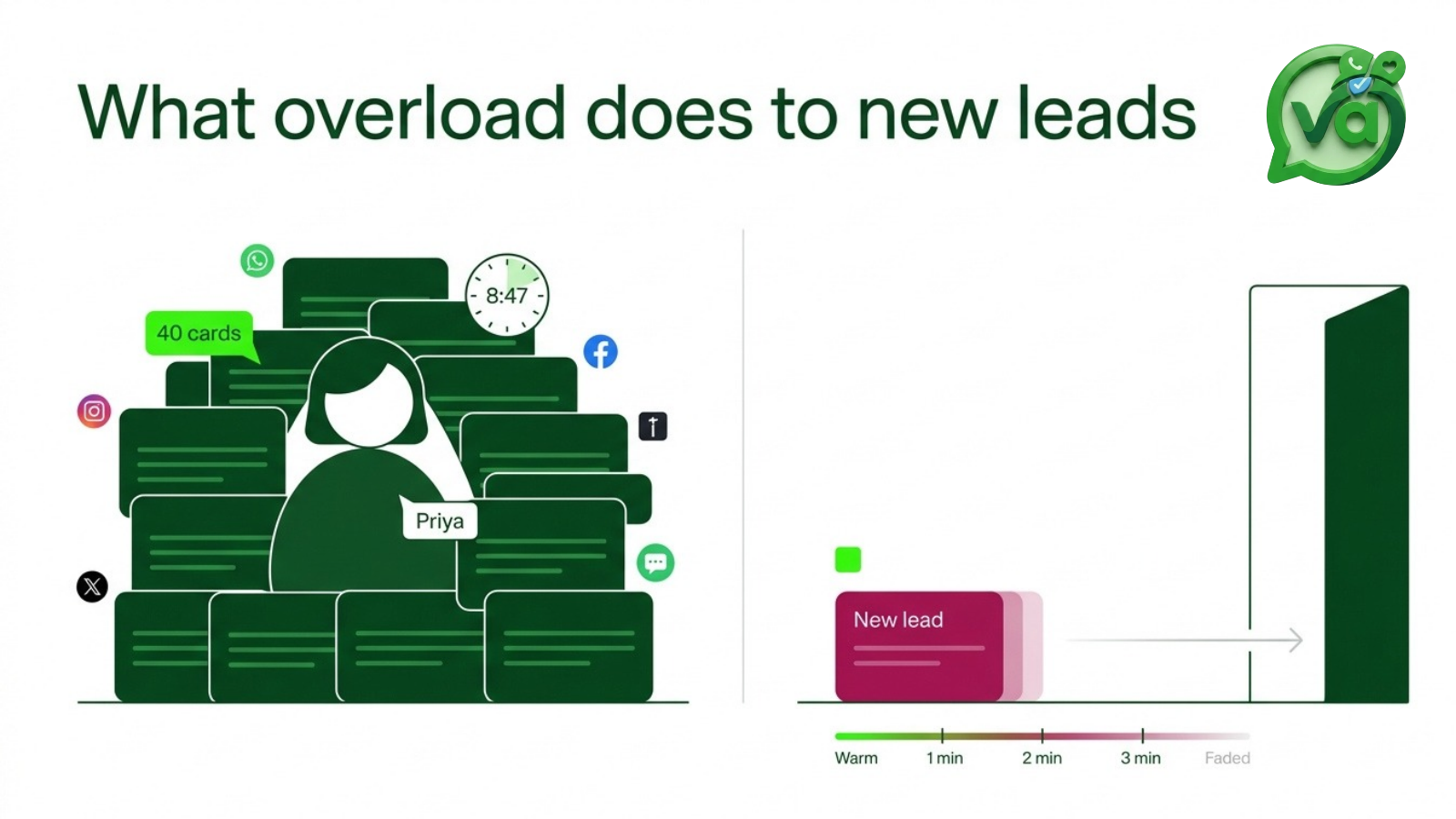
Speed is not a nice-to-have when a lead is fresh. It is close to everything.
Harvard Business Review research on slow lead response found that most companies simply do not respond to online inquiries fast enough. The window where a new lead is most receptive is short, and it narrows by the minute. A reply that arrives an hour later is not just slower, it is landing on a colder, less interested person who may already be talking to someone else.
Now put that next to Priya's 40 open threads. That new lead sitting in the queue at 8:47 is not going to jump to the front of her list. She is firing through the backlog in order, doing exactly what a conscientious agent does. The lead waits. And waits. Nobody chose to ignore them. The system just never surfaced them as urgent.
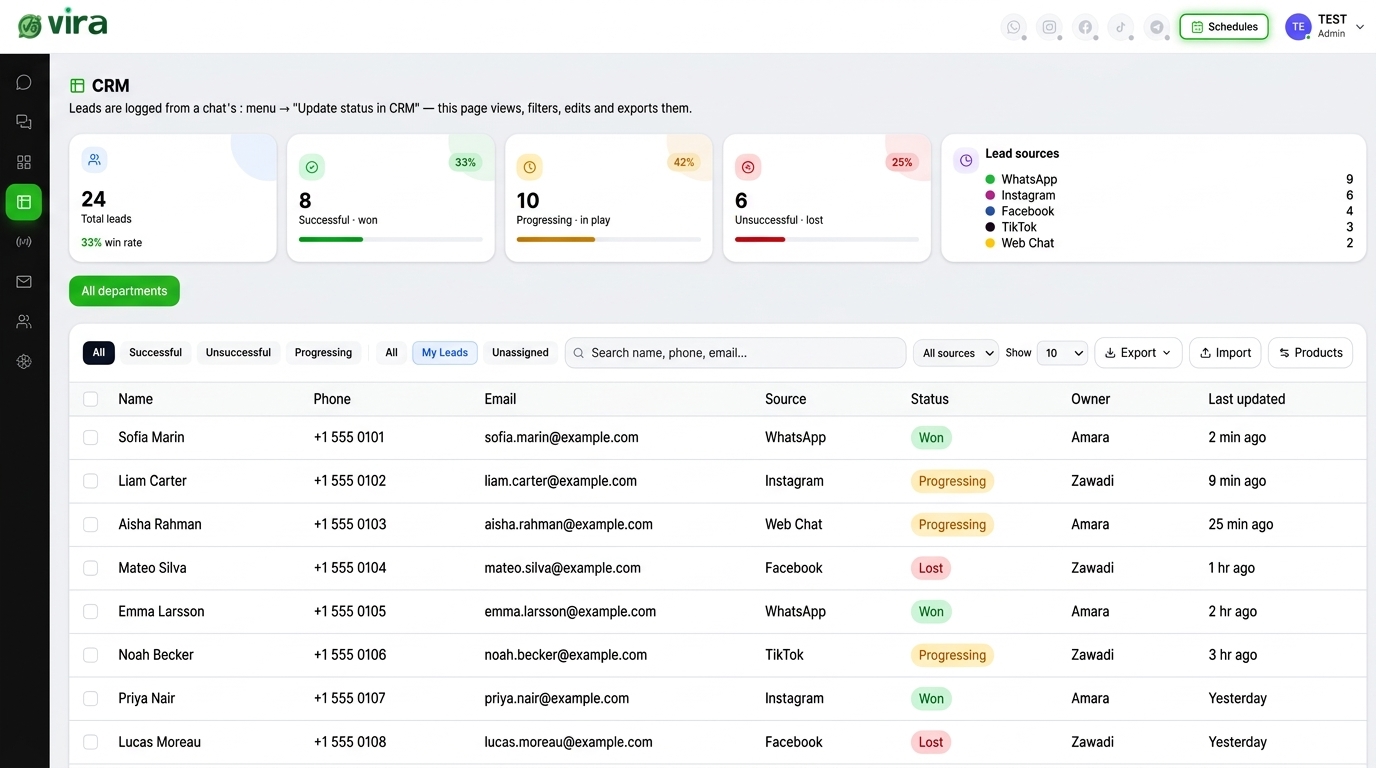
This is how good people lose good leads. Not through laziness, but through blindness. When you cannot see load, you cannot protect the one conversation that is quietly worth the most. And when those leads evaporate without a trace, you lose the ability to learn from the pattern, which is the whole point of tracking leads won or lost in the first place.
What a shared inbox makes visible
The fix is not more effort. Your team is already working hard. The fix is visibility, and that is exactly what a shared inbox gives you.
When every conversation lives in one place, four things stop being guesswork:
Owner. Every thread has a name attached, or it is clearly unassigned and waiting. No more conversations falling into the gap between two people who each assumed the other had it.
Load. You can see, at a glance, that Priya has 40 and Tom has 6. That is not a quarterly report. That is the screen in front of you at 9:04 AM, in time to actually do something about it.
Last reply. You see which conversations have gone quiet and for how long. The lead from 8:47 stops being invisible and starts flashing as the oldest unanswered thread.
Response time. Real numbers, tracked live, not reconstructed from memory during a tense review meeting.
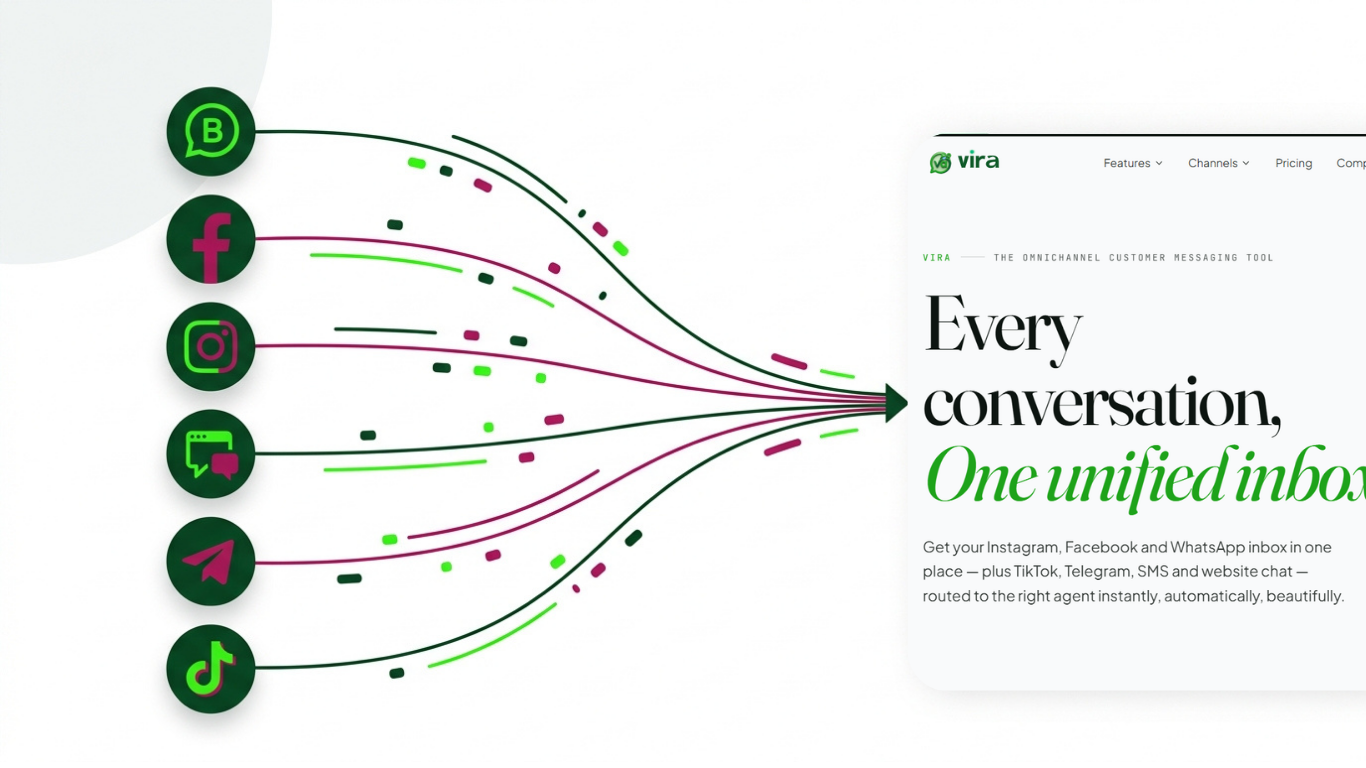
If you have never worked this way, it is worth understanding what a unified inbox is before you judge whether it changes anything. The short version: it turns a pile of scattered messages into a single board where ownership and timing are obvious to everyone, not just the person who happens to be looking at their own tab.
A real-time dashboard does something subtle but powerful here. It changes the conversation from "who dropped the ball" to "where is the ball right now." That is a far healthier place for a team to live. Accountability stops feeling like an accusation and starts feeling like a shared map everyone reads from.
Customer service routing that balances the load
Seeing the imbalance is step one. Fixing it automatically is step two, and this is where routing earns its keep. Good customer service does not depend on an agent noticing that a teammate is swamped and volunteering to help. It depends on work landing in the right place before anyone has to think about it.
There are a few ways to route, and the best teams use a mix:
Round-robin. New conversations get distributed evenly across available agents. Priya never ends up with 40 while Tom sits on 6, because the system hands out work in turn. This alone kills most of the Monday morning pile-up.
Keyword routing. Messages that mention billing go to the billing person. Technical questions go to whoever knows the product deepest. The lead asking about pricing gets routed to someone who can actually move the deal, instead of waiting in a general queue.
Manual assignment. For the cases that need a specific person, a manager or agent can hand a conversation off directly, with full context attached, in a couple of clicks.
Routing is the difference between a team that reacts and a team that runs smoothly. It takes the thinking out of distribution so your people can spend their attention on the actual customer, not on triage. And when a fresh lead arrives, it does not sit in limbo. It gets an owner within seconds and a reply while the interest is still hot.
This is also where customer service and sales stop being separate problems. A lead that gets answered in two minutes instead of forty is both a better support experience and a better chance to close. The same shared view that protects your team's workload protects your pipeline.
The point
The reason leads go cold on a Monday morning is almost never that someone did not care. It is that nobody could see the whole board. One agent buried, another with room to spare, and a new prospect waiting in a gap neither of them knew existed.
You cannot manage what you cannot see, and you cannot balance what you cannot measure. Give your team a shared view of owner, load, last reply, and response time, and let routing keep the work level on its own.
Take a look at the real-time dashboards for response time and team workload, and the routing options that go with them: round-robin, keyword, and manual. See how fast the imbalance disappears once everyone is finally looking at the same screen.