
October 6, 2026 · CHARITY
What Is A Unified Inbox? A Simple Guide For Teams
Here is what a unified inbox is, how it differs from multichannel, and how it helps your team reply faster. You dont habe to misses a message.
Picture a Monday morning at a growing online store. A customer messages on Instagram asking if a product is back in stock. Another sends the same question over WhatsApp. A third drops a comment on Facebook. Three different team members are logged into three different apps, nobody knows who's handling what, and two of those customers get answered twice while the third waits all afternoon.
If that sounds familiar, you're not running a messaging problem. You're running a coordination problem, and a unified inbox is how most teams fix it.
So What Actually Is a Unified Inbox?
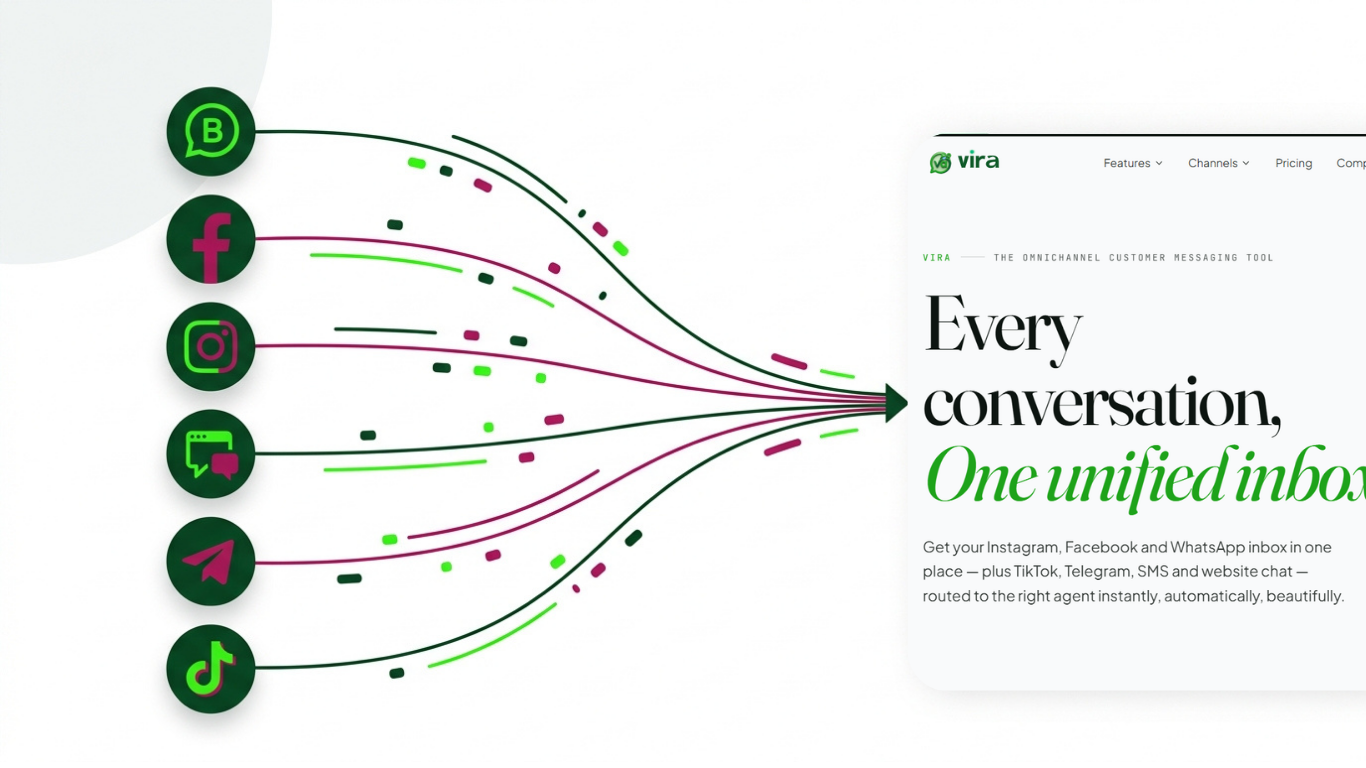
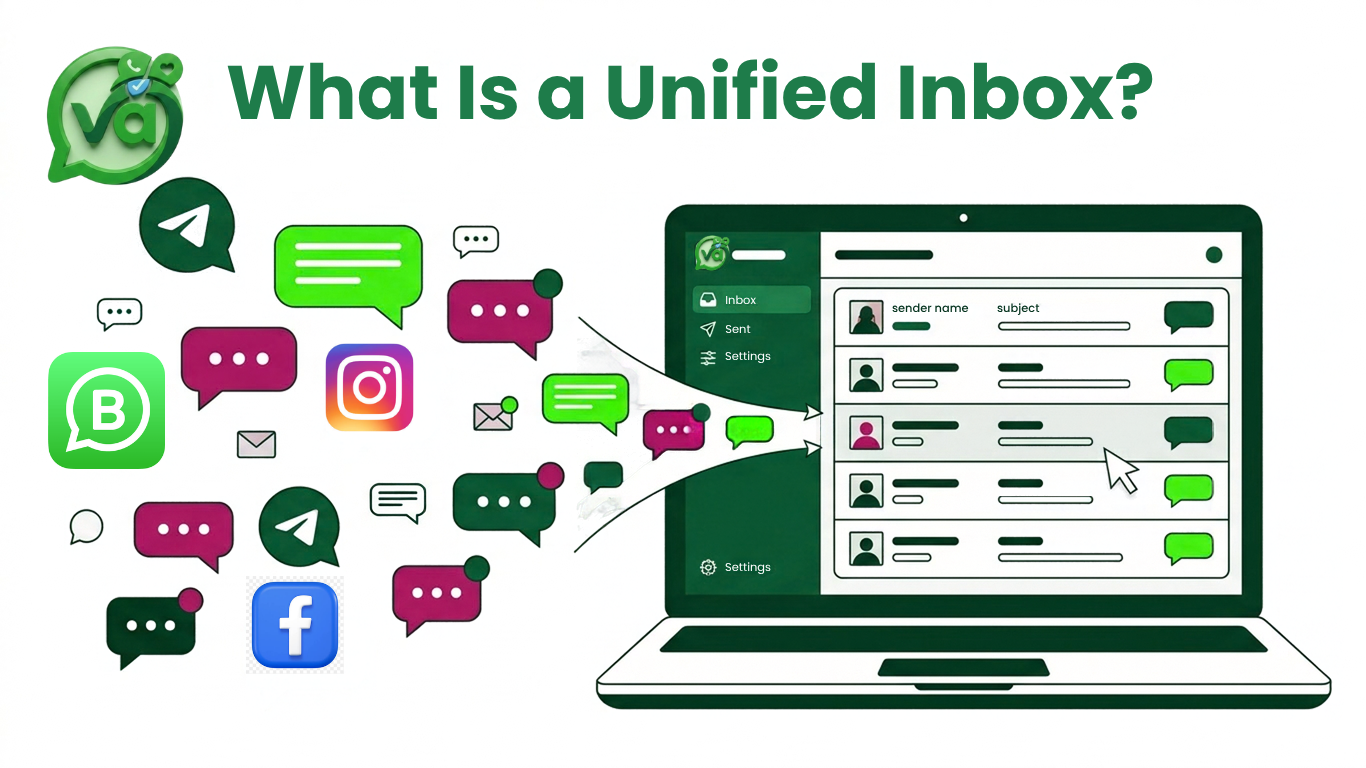
A unified inbox pulls every customer conversation, no matter which app it came from, into one shared screen. WhatsApp, Instagram DMs, Facebook Messenger, your website chat, all of it lands in the same place. Your whole team works from that single view instead of bouncing between phones and tabs.
The key word is shared. It's not just your messages collected neatly for you. It's a shared team inbox, which means your colleagues see the same conversations, know who's replying to what, and can pick up where someone else left off. Ownership is clear. History travels with the customer. Nobody has to ask "did anyone already answer this?" in the group chat.
That's the whole idea. One queue, one source of truth, everyone on the same page.
Unified Inbox vs. Multichannel: They’re Not the Same Thing
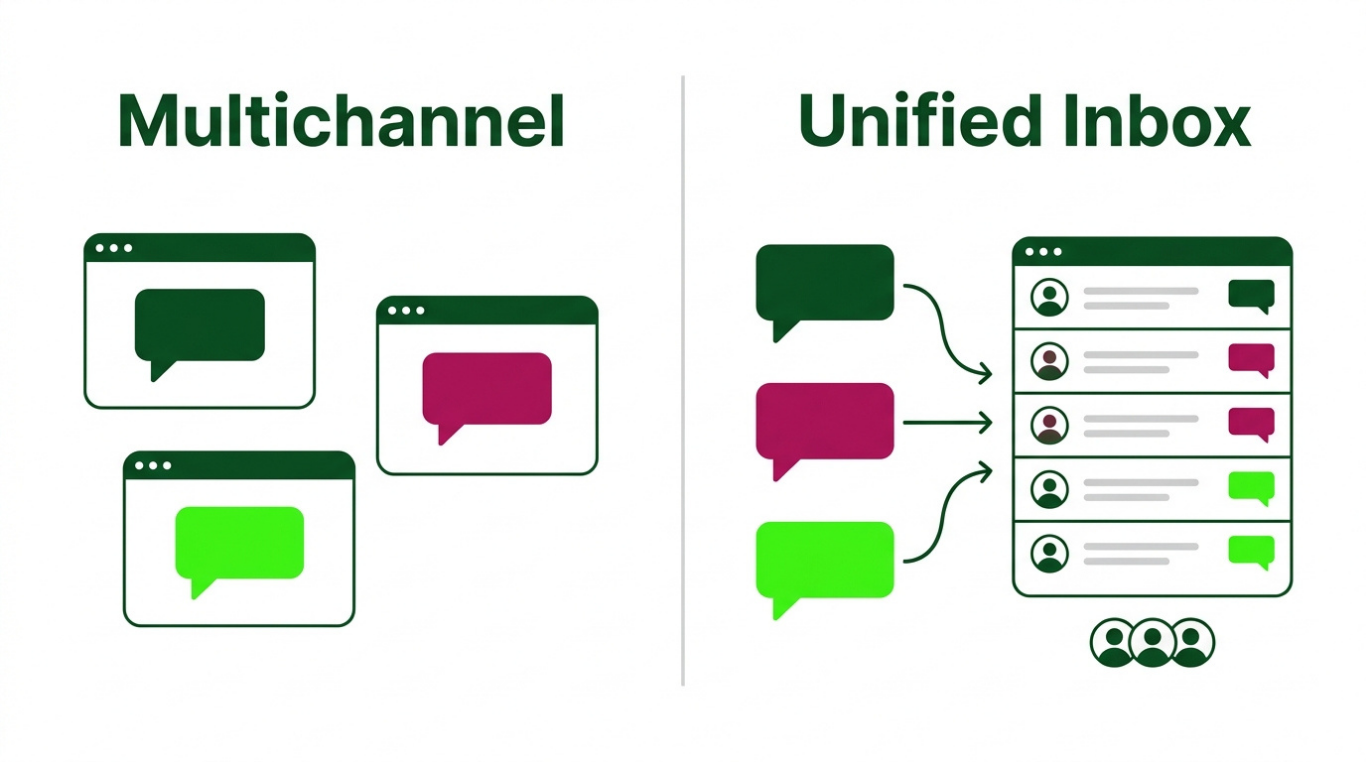
People mix these up, so let's be clear.
A multichannel setup means you're present on several channels. You've got a WhatsApp number, an Instagram account, a Facebook page, maybe a chat widget on your site. Great. But each one is its own island. You log into each separately, and the conversations never meet.
A unified inbox means those channels feed into one place. The customer still reaches you however they prefer, but your side of the conversation happens in a single tool. Multichannel is about where you show up. Unified is about how you manage it all once you're there.
The difference matters more as you grow. With two channels and one person, you can muddle through. With five channels and five people, a scattered setup quietly costs you sales and burns out your team.
Three Signs Your Team Actually Needs One
You don't need a unified inbox the day you open. But here are the moments when it stops being a nice-to-have.
Messages are slipping through the cracks. You've caught yourself apologizing for a two-day-late reply more than once. When a customer follows up with "hello??" before you've even seen the first message, that's your cue.
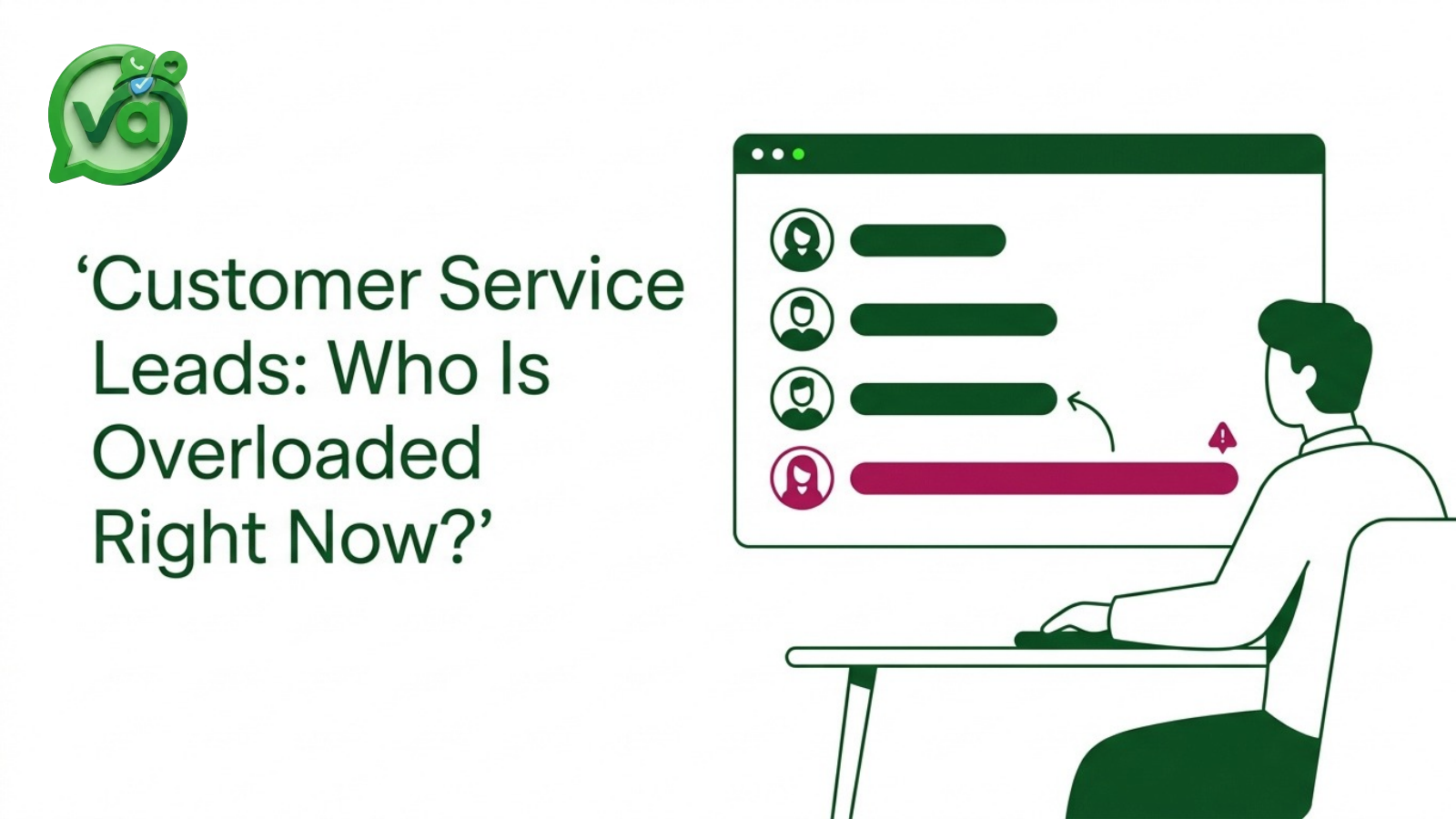
You can't tell who's handling what. Two people reply to the same person. Or everyone assumes someone else has it, so nobody does. If your team coordinates by shouting across the room or pinging each other to avoid overlap, the system is the problem, not the people.
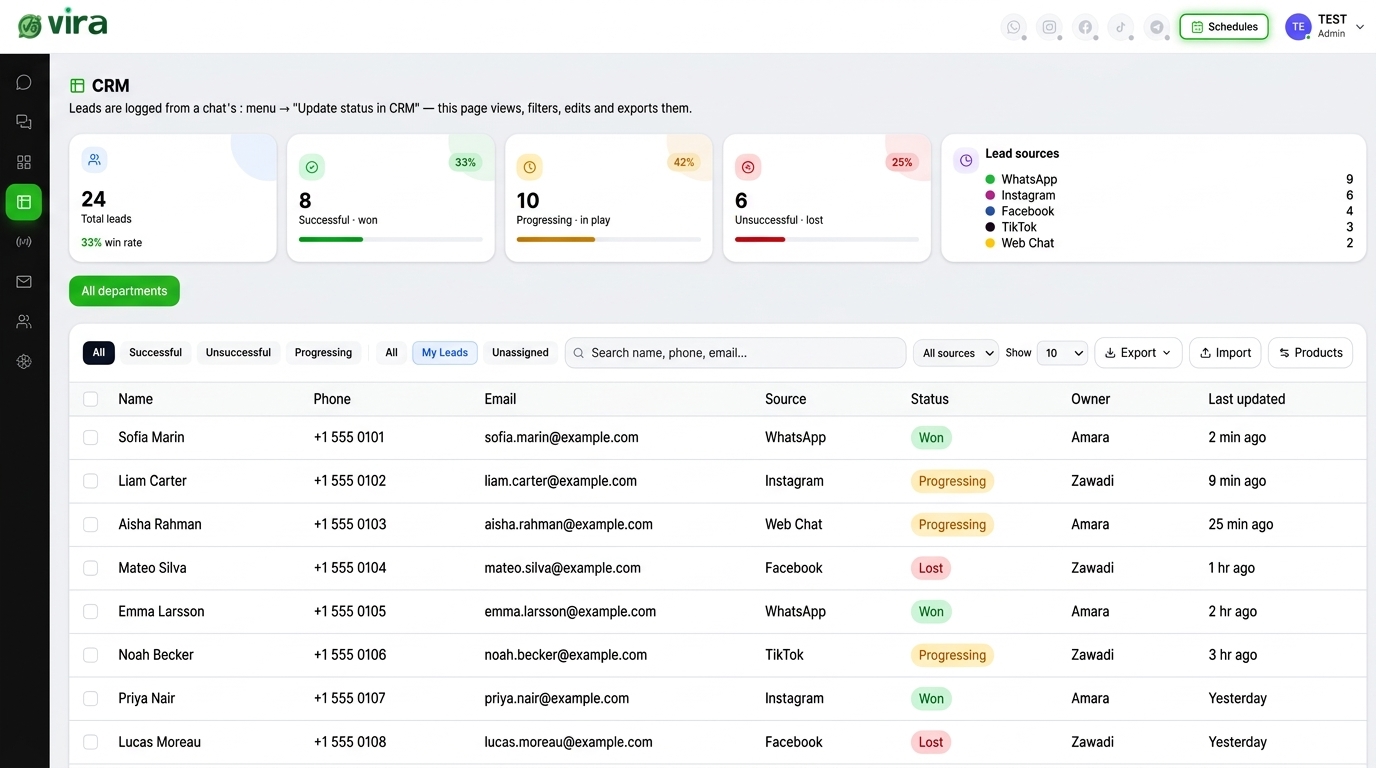
You have no idea what's happening. You can't answer basic questions like how many conversations came in this week, how fast you're replying, or which channel drives the most leads. Good customer conversation management gives you that visibility without you having to dig through five apps.
Hit two of those three, and it's time.
What to Look for When You Choose One
Not all of these tools are built the same. Here's what I'd actually check before committing.
Channels supported. Make sure it covers the places your customers already are. For most teams that means a proper WhatsApp Instagram Facebook unified inbox at minimum, with room to add more as you grow. If a tool only does one channel well and treats the rest as afterthoughts, keep looking.
Real shared team access. Can multiple people work the same inbox with their own logins, assigned conversations, and notes? A tool that just forwards everything to one shared email address isn't a shared inbox. It's a mess with extra steps.
Smart routing. New messages should land with the right person automatically. Sales questions to sales, support to support, maybe by language or region. A solid lead routing tool means hot leads don't sit in a general pile where they go cold.
Saved replies. Your team answers the same ten questions all day. Being able to drop in a saved reply, then tweak it, saves hours and keeps your tone consistent.
AI auto-reply. For after-hours messages and the easy repeat questions, an AI that can answer instantly keeps customers warm until a human picks up. Used well, it handles the predictable stuff so your team spends time on the conversations that need a real person.
One more thing worth saying: an omnichannel inbox for sales teams should make it obvious which conversations are likely to turn into revenue, not just file everything as "support." If your sales folks can't spot and prioritize leads inside it, it's only half doing its job.
How Vira Handles Chats
Vira.chat was built around exactly this idea. It brings WhatsApp, Instagram, Facebook, TikTok, Telegram, SMS, and website chat into one shared inbox, so your team stops app-hopping and starts working from a single view.
WhatsApp is usually the big one for international teams, and Vira connects through the official WhatsApp Business API, which is Meta's proper platform for businesses at scale. Vira is a Verified Tech Provider with Meta, so that connection is legitimate and stable, not a workaround that breaks every few weeks.
From there you get the pieces that make a shared team inbox genuinely useful: assign conversations to specific people, leave internal notes, see the full history with each customer, and know at a glance who's on what. The lead routing tool sends incoming messages to the right teammate automatically, so nothing lingers unanswered. Saved replies and AI auto-reply take the repetitive load off your team.
And because it pulls every channel together, you finally get a real picture of your customer conversations instead of seven separate, half-complete ones. You can see the full WhatsApp Instagram Facebook unified inbox in action along with the other channels Vira supports.
Key Takeaway
A unified inbox won't magically make your customers happier on its own. What it does is remove the friction that quietly wears your team down: the double replies, the dropped threads, the "who's got this?" scramble. When those disappear, your people reply faster, with better context, and they stop dreading the inbox.
If your team is still juggling apps and losing messages between them, that's the problem worth solving first. See how a unified inbox works in Vira and get a feel for how much calmer a single, shared view can make your day.