October 28, 2026 · CHARITY
Customer Communication Platform: AI Replies Explained
AI can answer the routine questions while your team keeps the conversations that need judgment. Here is how it works inside a customer communication platform.
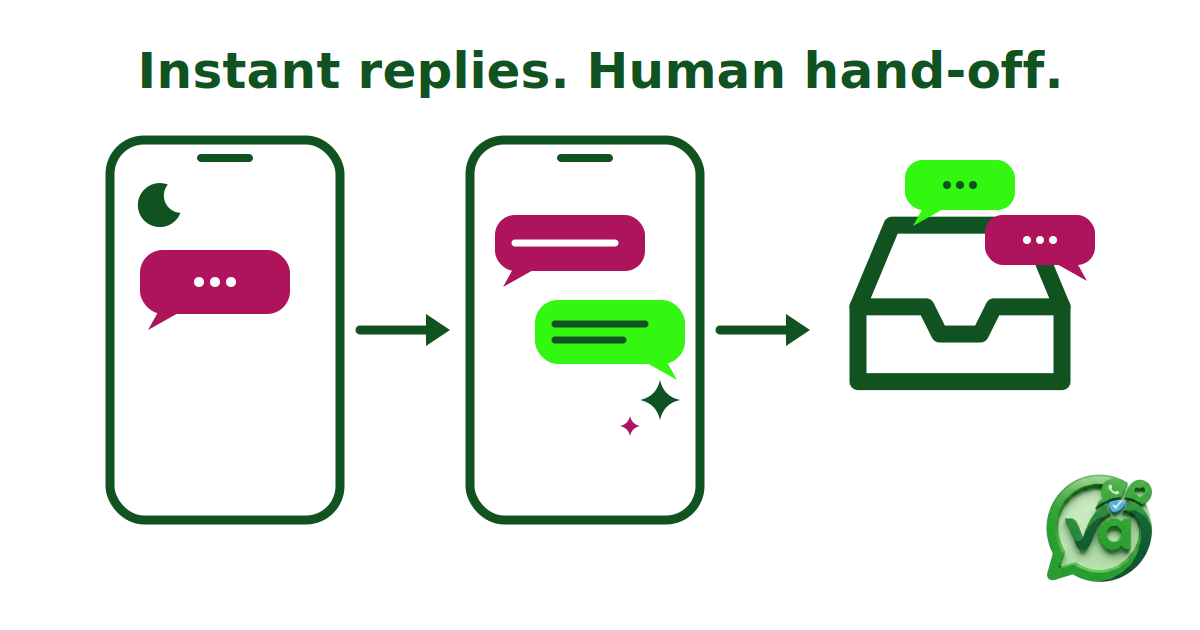
A customer communication platform with AI replies answers routine questions the moment they arrive, then hands the conversation to a person when judgment is needed. For teams covering several channels, that means fewer unanswered messages overnight and less repetitive typing during the day. This demo shows how the customer communication platform inside Vira.chat does it, from an away message to a clean hand-off.
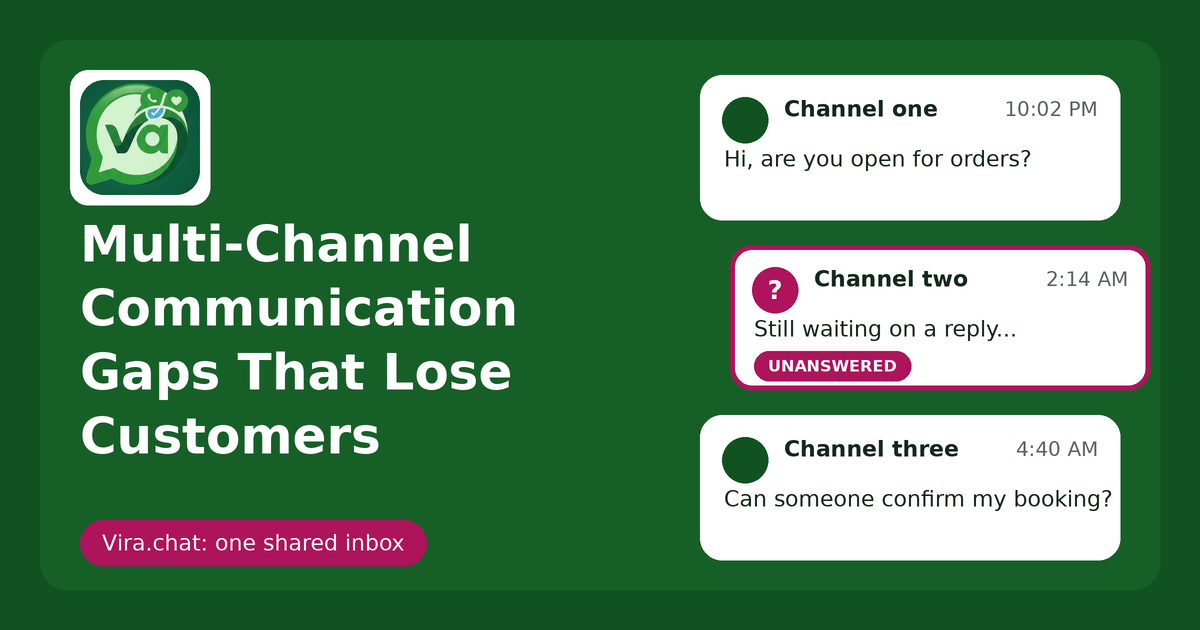
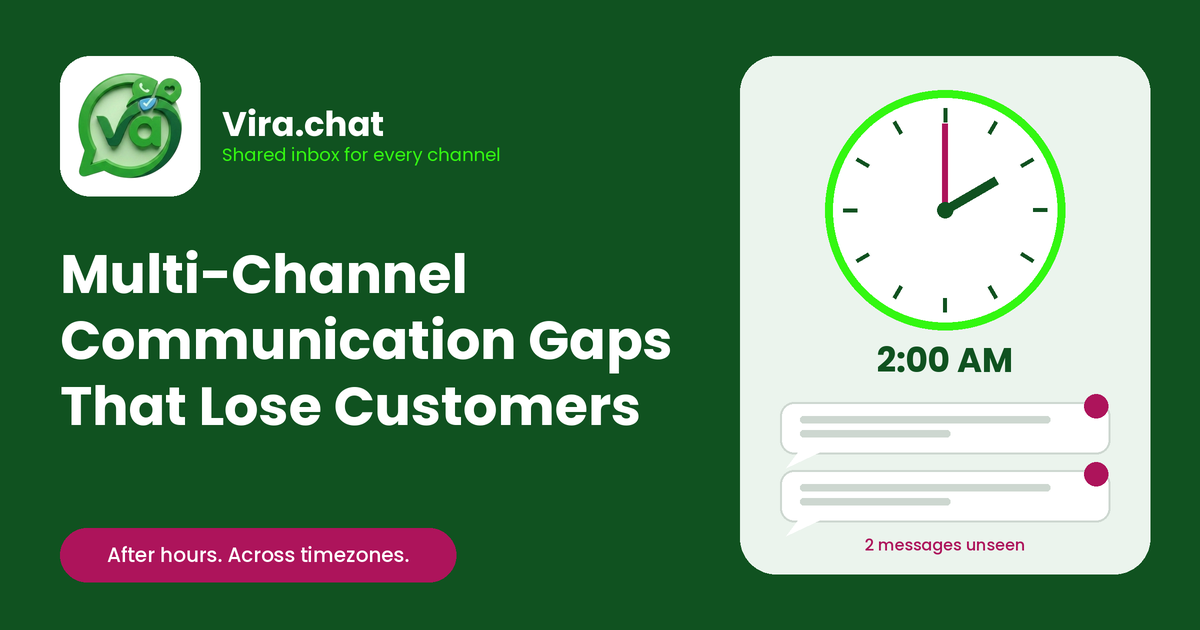
Picture a Sunday night. A customer messages you at 10:47 PM asking whether you deliver to their area and when you open tomorrow. If nobody answers until 9 AM, you have given that person eleven hours to find a competitor who replied in eleven seconds. That is not a dramatic loss. It is slow bleeding.
What is a customer communication platform with AI replies?
A customer communication platform brings messages from every channel into one inbox. AI replies answer routine questions such as opening hours or delivery, then hand the chat to a staff member with the full history when judgment is needed.
Plenty of tools call themselves a messaging hub but only forward notifications to five different apps. A proper platform does three things at once: it unifies your channels, automates the predictable replies, and keeps the conversation whole so no context is lost when a person steps in.
Vira.chat is a unified inbox for WhatsApp, Instagram, Facebook, TikTok and website chat, built by Fansoft Solutions. The AI sits inside that inbox, not beside it, so a hand-off feels like one continuous conversation rather than a transfer to a stranger.
What AI should answer and what a person should keep
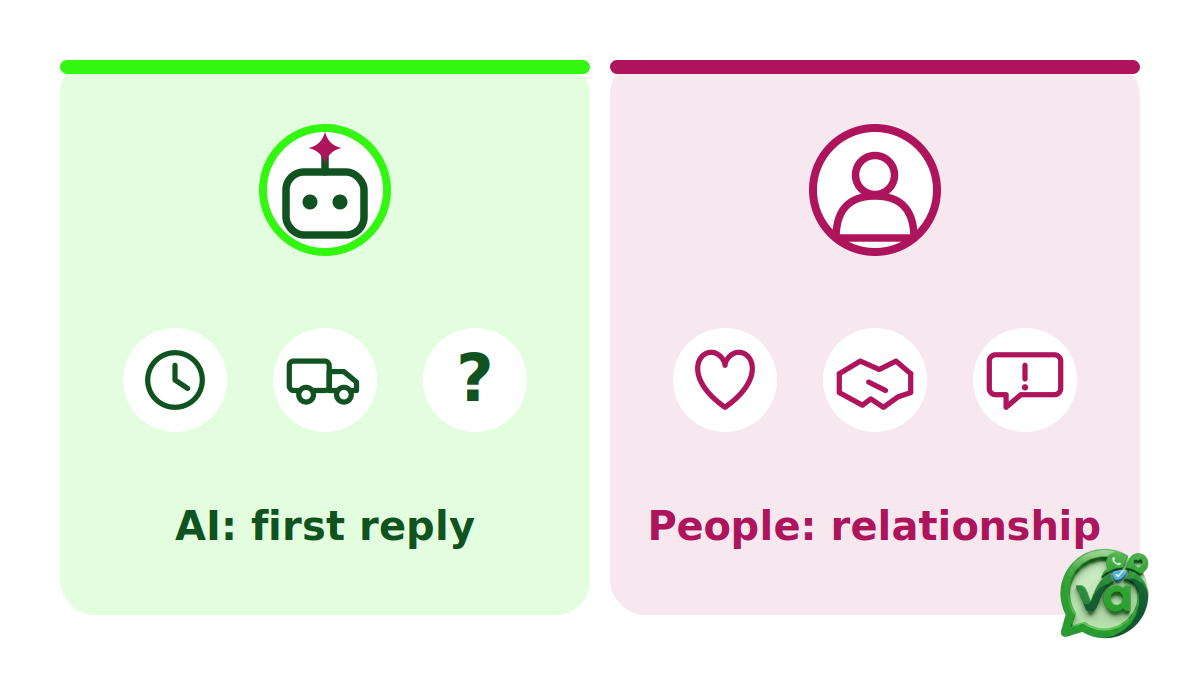
Most teams get this wrong. They switch the bot on for everything and annoy their best customers, or they automate nothing and burn out staff on the same ten questions. The useful line sits in the middle.
Let AI auto reply handle:
Opening hours and location questions
Delivery, shipping and availability checks
Away messages when your team is offline
Pointers to a price list, form or booking link
The FAQ answers your team types a dozen times a day
Keep these with a person:
Complaints, especially angry ones
Sensitive or personal matters
High-value leads and big orders
Negotiations, custom quotes and exceptions
Anything unclear or emotional
The principle: AI protects the first reply, people protect the relationship. A bot instantly confirming your hours at midnight makes you look awake and organized. A bot smoothing over a refund dispute makes things worse.
Demo: from away message to hand-off inside Vira
Here is the flow in the order you would set it up.
Step 1: Set an away message. Define when your team is offline. A good away message is specific: “Thanks for reaching out, our team is offline until 8 AM. I can answer quick questions now, or someone will follow up first thing.”
Step 2: Add FAQ answers. Start with the questions you already know by heart: hours, delivery zones, returns, booking. Ten strong answers remove a meaningful chunk of daily typing.
Step 3: Switch on AI auto reply. In Settings, connect your own API key from Gemini, OpenAI or Claude and pick a model, from fast, low-cost options to the most capable tier. There is no setup project, and your team can step into any conversation at any time.
Step 4: A customer writes on any connected channel. WhatsApp, Instagram, Facebook, TikTok or website chat. Every message lands in the same team inbox, so nobody jumps between apps.
Step 5: AI replies in seconds. The routine question gets an immediate answer, around the clock.
Step 6: The chat appears in the shared queue with its full history. A staff member claims it, or a supervisor assigns it.
Step 7: The team continues the same thread. The customer never repeats themselves. That continuity separates a smooth hand-off from being passed around a call center.
Why a fast first reply matters inside the WhatsApp window
A WhatsApp customer service window opens when a customer messages you and runs for 24 hours. Inside it, you can send free-form replies. After it closes, only approved templates can be sent. Read the WhatsApp customer service window rules for the details.
A fast first reply from AI keeps the conversation alive until a person takes over, so a message that arrives at night is still an open conversation when your team logs in.
What to look for in a customer communication platform
AI replies with a clear hand-off to a person
One shared history per customer across channels
One visible owner for every conversation
Routing rules that match how your team works
Visibility into response time and workload
Vira pairs AI auto reply with smart routing, canned replies and a built-in CRM, so the first reply, the owner and the outcome all live in one place. You can connect your channels to Vira in minutes, and our earlier demo shows the unified inbox software in action (link the Sep 29 post, confirm slug).
FAQ
Which questions should AI auto reply answer? Routine, repeatable ones such as hours, delivery and FAQs. Keep complaints and sensitive issues for people.
How does hand-off to a person work? The chat appears in the shared queue with its full history, and a staff member claims it or a supervisor assigns it.
Which channels does Vira connect? WhatsApp, Instagram, Facebook, TikTok and website chat.
See it on your own channels
The goal is not zero humans. The goal is zero dropped leads: AI covers the reflexes, people cover the relationships, and nothing falls through the gap between.
See the customer communication platform in action. Book a demo with the Vira team: +254 724 998 899 or @fansoftsolutions. Share this with the colleague who covers your inbox after hours.