
November 7, 2026 · CHARITY
Unified Inbox Software Cost: Myth vs Fact
Unified inbox software pricing is wrapped in myths. See five myths vs facts on trials, per user fees, setup costs and what separate apps really cost your team.
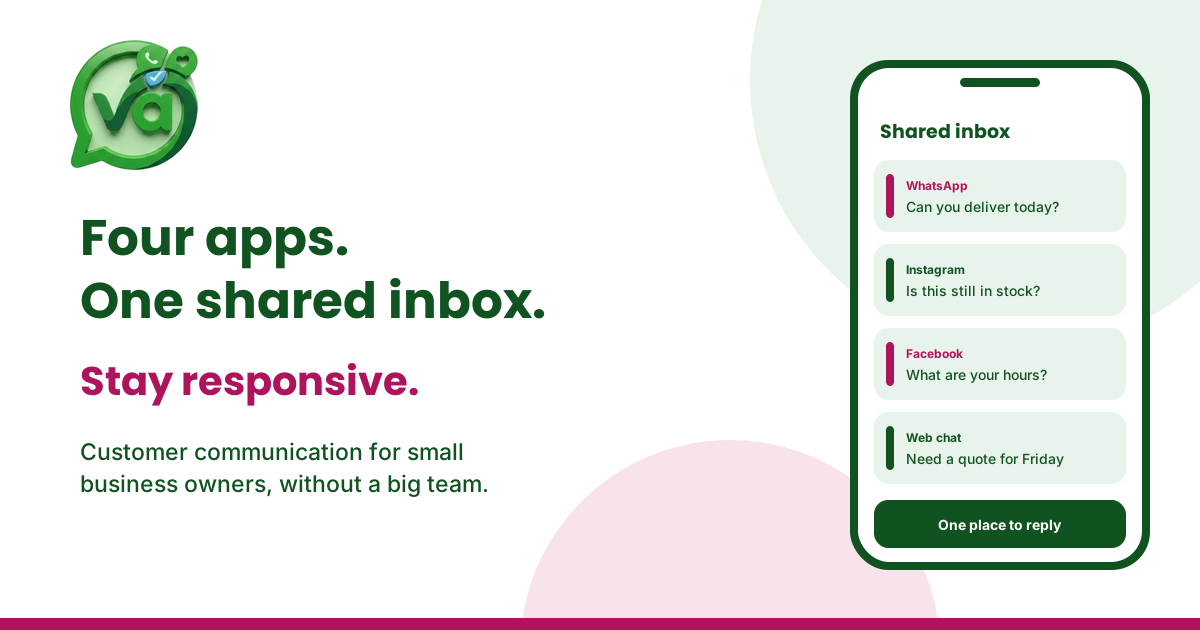
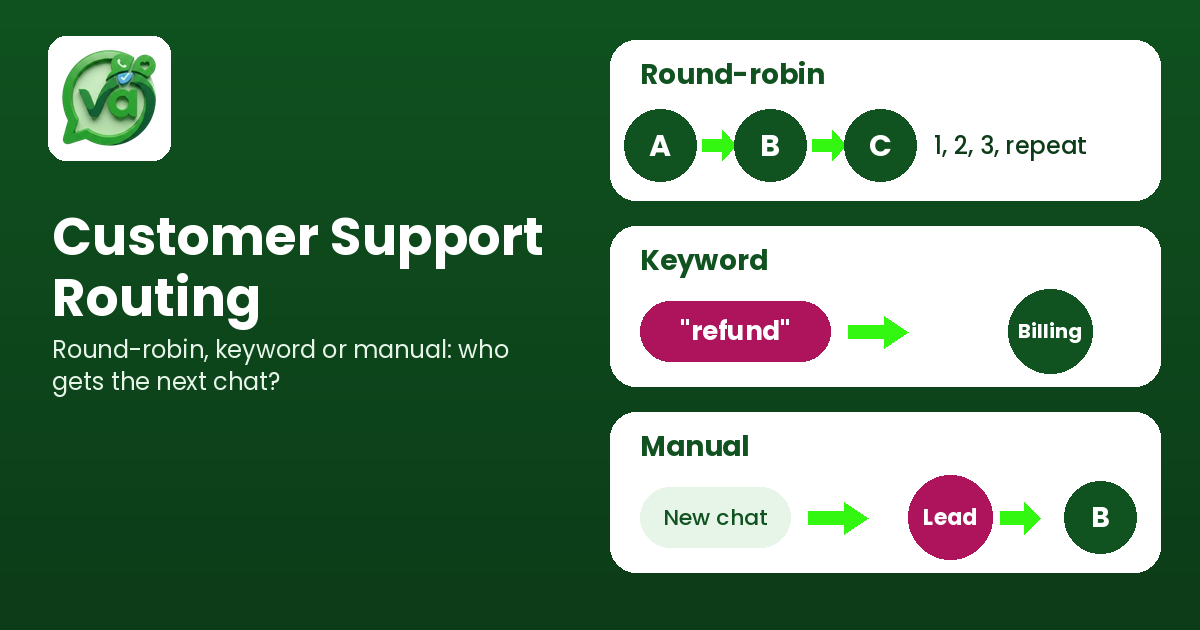
Picture a five-person support team on a Monday morning. One person is answering WhatsApp on their phone, another has Instagram open in a browser tab, someone else is refreshing Facebook Messenger, and the manager is trying to figure out who replied to which customer. A message from a client asking about a refund sat unanswered for two days because everyone assumed someone else had it. That chaos costs money. So the real question worth asking is this: what does unified inbox software actually cost, and is it more or less than the mess you are living with right now?
Most of the hesitation around unified inbox software comes from a single assumption: that it must be expensive. People picture enterprise contracts, long setup fees, and a sales call before they can even see a price. The truth is usually the opposite. Let me walk through the myths that keep teams stuck on scattered apps, and the facts that change the math.
Unified inbox software pricing: 5 myths vs facts
Here are the five things small business owners and support leads tell me most often, and what the numbers actually say.
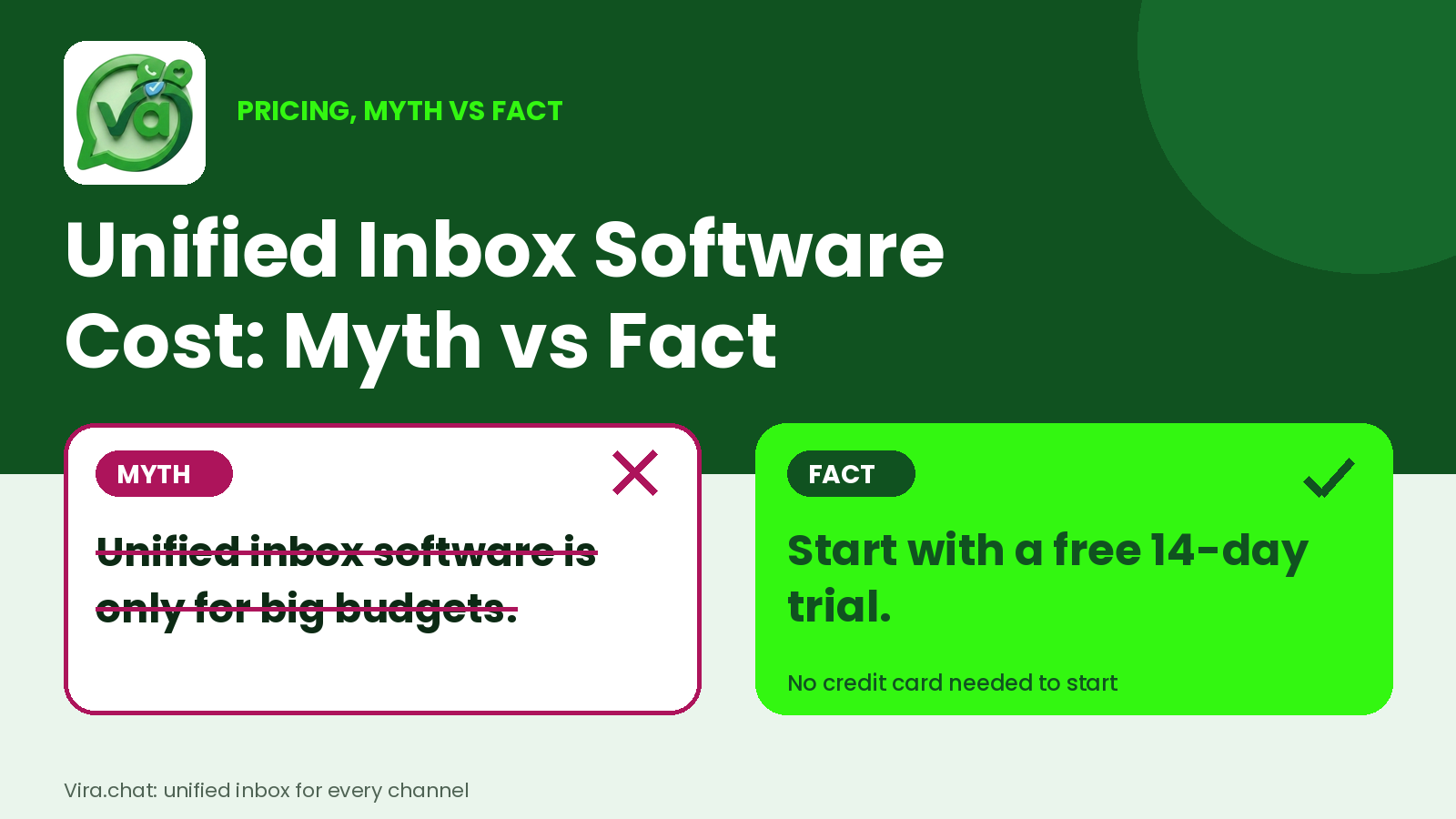
Myth 1: "There's no real free trial, just a demo you have to book"
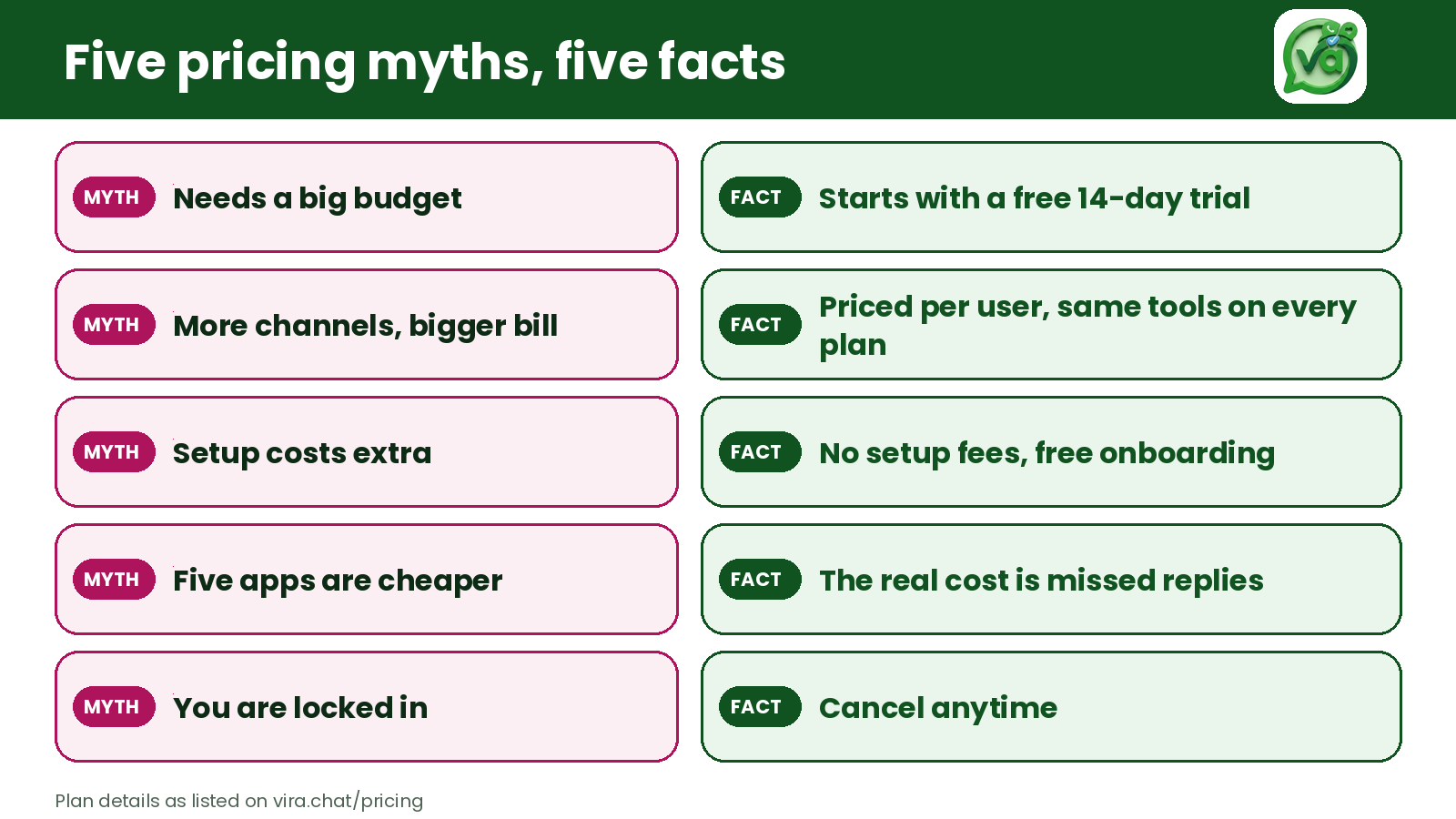
Fact: You can start a free 14-day trial without talking to anyone. The Starter plan gives you unlimited conversations, access to every channel, mail access, and a staff seat, all for nothing during the trial. No card games, no "contact sales to see a price." You get the product in your hands and decide for yourself whether it fixes your Monday morning.
A demo is someone showing you a tool. A trial is you using it with your own customers and your own messages. Those are not the same thing, and any serious customer communication platform should let you do the second.
Myth 2: "Per-user pricing gets out of control fast"
Fact: The Business plan is $10 per user per month on annual billing. That is one number, predictable, and it scales with your actual team rather than some arbitrary tier. Annual billing saves 23%, which works out to over $35 a year per user compared to paying month to month.
Compare that to the stack most teams are quietly paying for already. A separate chatbot tool here, a standalone broadcast service there, a CRM subscription, maybe a help desk add-on. Each one looks cheap in isolation. Added together, they routinely cost more than a single plan that does all of it. Per-user pricing only feels expensive when you ignore what you are already spending.
Myth 3: "Setup fees will get you"
Fact: There are no setup fees. Not on Starter, not on Business, not on Enterprise. Free onboarding is included on every plan, so you are not paying someone a one-time "implementation" charge just to connect your WhatsApp and Instagram accounts.
This is where a lot of software makes its money quietly. The sticker price looks fine, then a four-figure onboarding fee appears in the contract. When a vendor puts "no setup fees" in writing across all tiers, that is a signal they make money when you stay, not when you sign.
Myth 4: "The cheap plan is useless and the real features are locked behind Enterprise"
Fact: The same eight tools are available on every plan, and you can see all eight Vira features in one place. You are not buying a stripped-down version and then being upsold the parts that matter.
What changes between plans is scale and support, not core capability. Starter is one staff seat. Business adds priority support and unlimited-ish growth room. Enterprise brings unlimited staff and dedicated support for larger teams. The engine is the same in all three.
Myth 5: "Juggling separate apps is basically free"
Fact: It is the most expensive option you have, it just hides the bill. The cost is not on an invoice. It shows up as the refund message nobody answered, the lead who went quiet because your reply came a day late, and the manager who spends an hour every week asking "did anyone get back to this person?"
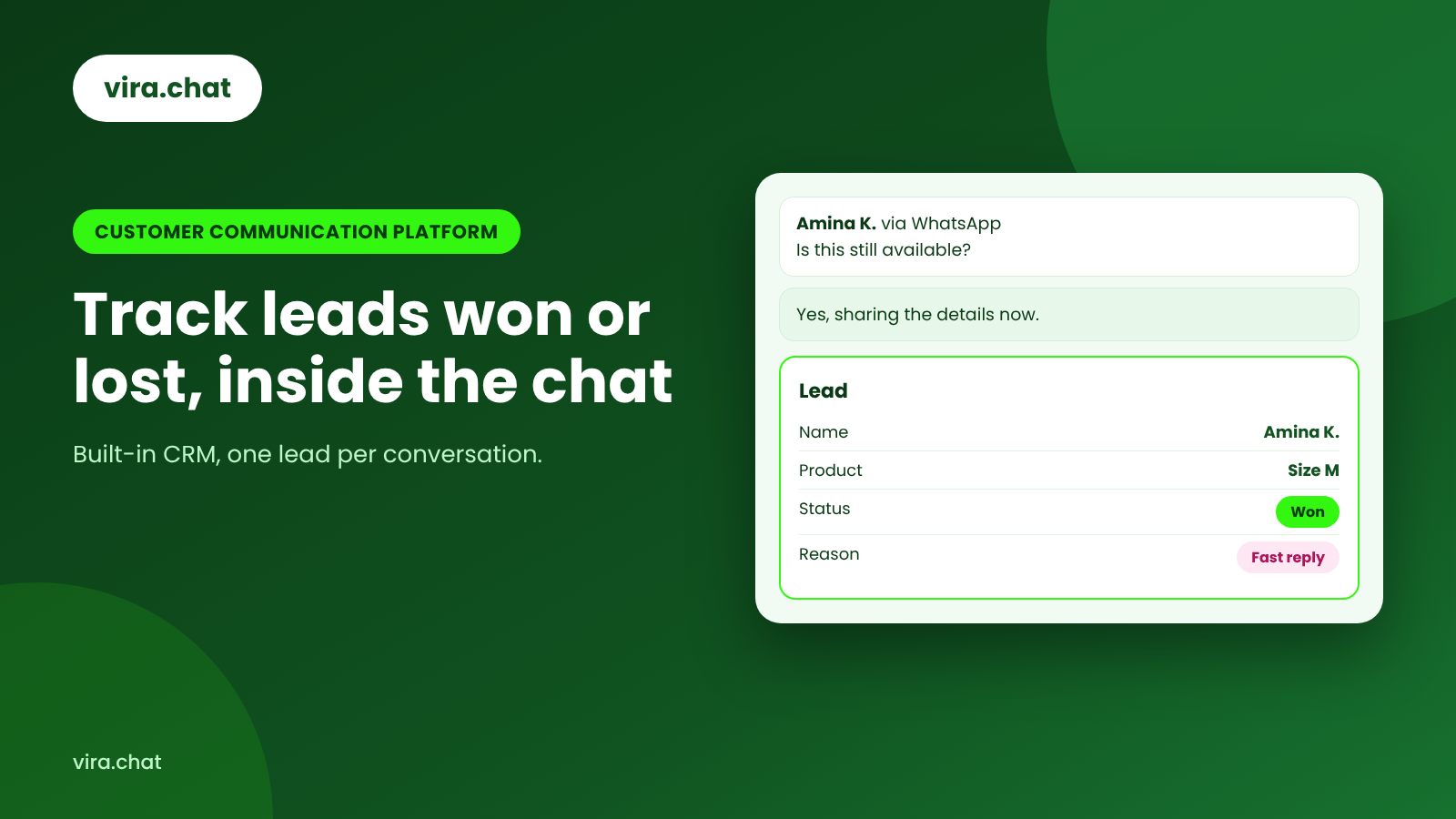
A proper unified inbox pulls WhatsApp, Instagram, Facebook, web chat, SMS, and email into one screen. When a reply slips through the cracks, you can trace it. That is the Team Accountability piece, and it is worth real revenue. One recovered deal a month usually pays for the whole team's subscription several times over. Seeing which leads you won or lost, and why, is covered in our guide to tracking leads won or lost in a customer communication platform.
How much does unified inbox software cost?
Straight answer, no runaround. Here is the current pricing:
Starter: Free 14-day trial. Unlimited conversations, all channels, mail access, 1 staff member.
Business: $10 per user per month on annual billing, a 23% saving worth over $35 a year per user. Includes the free 14-day trial, free setup, and priority support.
Enterprise: Custom pricing with a 14-day trial, unlimited staff, free onboarding, and dedicated support.
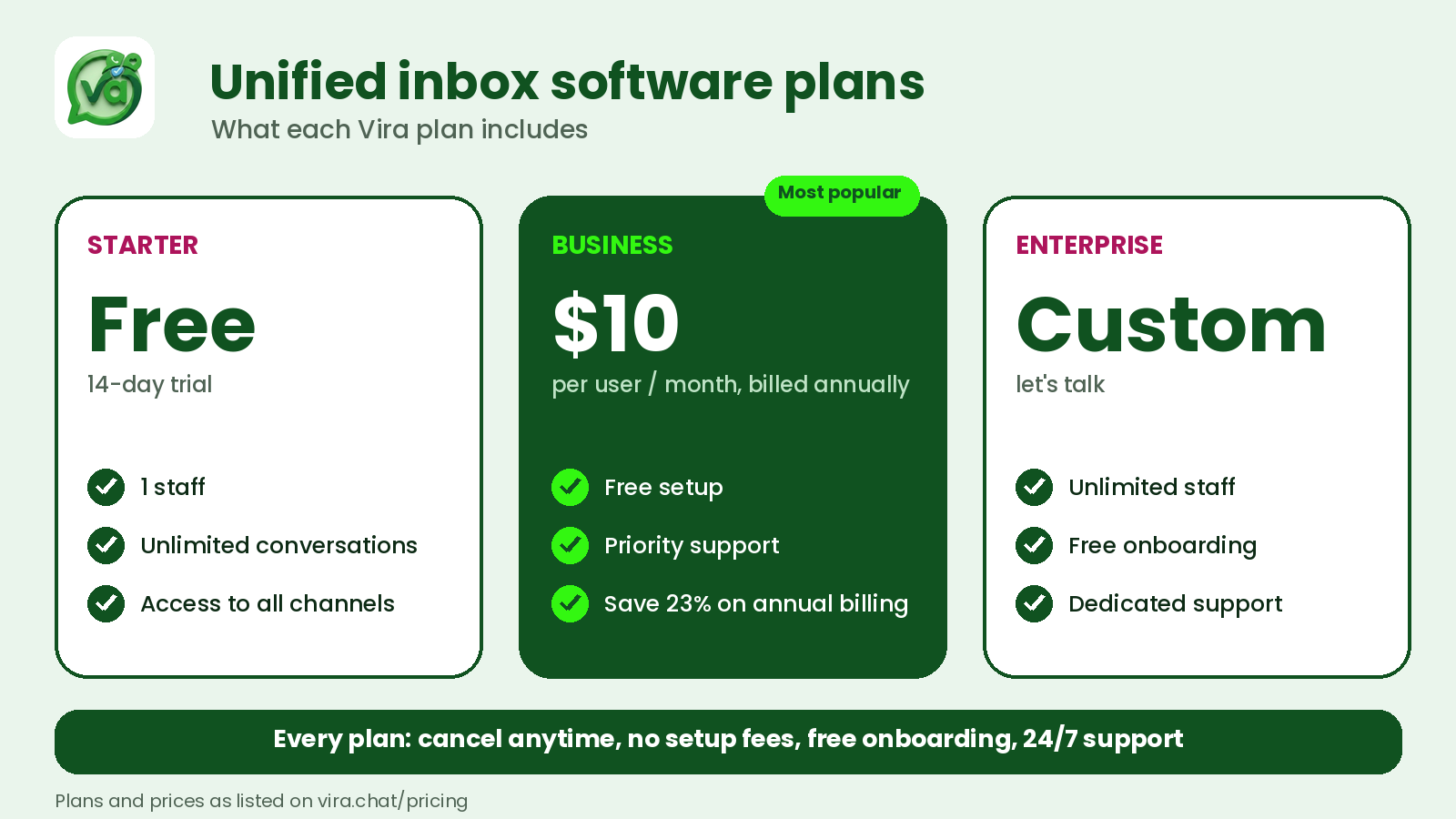
And across every plan: cancel anytime, free onboarding, no setup fees, and 24/7 support. If you ever need to leave, you leave. There is no lock-in clause doing the heavy lifting the product should be doing.
So for a three-person team on the Business plan, you are looking at $30 a month. That is less than most teams spend on the coffee they drink while hunting through four different apps for one customer thread.
Where the money actually goes when you don't fix this
It helps to make the hidden cost concrete. Say your team handles 40 inquiries a day across WhatsApp, Instagram, and Facebook. If even 5% of those get a delayed or missed reply because of app-switching, that is two customers a day who feel ignored. Over a month, that is roughly 40 potential buyers left cold.
You do not need all of them to convert to justify the spend. You need a handful. A single omnichannel communication setup that catches those dropped threads, routes them to the right person, and logs who handled what will cover its own cost on recovered business alone. The $10 per user figure stops looking like a cost and starts looking like insurance on revenue you are already generating.
This is the part spreadsheet thinking usually misses. People compare the subscription against zero, as if staying on free apps is free. It is not. It is just unbilled.
What you should actually compare
When you weigh any customer communication platform, stop comparing the monthly price against nothing. Compare it against three real numbers:
What you currently pay for every separate tool combined. Add up the chatbot app, the broadcast service, the CRM, and any help desk you keep. Most teams are surprised.
What a missed or slow reply costs you. Estimate your average order value and how many conversations slip through now.
What your team's time is worth. Hours spent switching tabs and asking "who's got this one?" are hours not spent closing or supporting.
One more cost sits outside any inbox subscription: the messaging channels themselves. Meta sets its own rates for sending messages on WhatsApp, so it is worth reading how per-message pricing works on the WhatsApp Business Platform before you budget, especially if you plan to send broadcasts. Run those three numbers and the decision usually makes itself. A unified inbox that consolidates everything, charges a flat predictable rate, and hides no fees almost always wins on total cost, not just on convenience.
Try it before you believe any of this
I would not ask you to take the pricing on faith, and you shouldn't. The whole point of a trial is that you get to test the claims against your own inbox.
Try unified inbox software free for 14 days. Connect your channels, let a few days of real customer messages flow through one screen, and watch how fast "it must be expensive" turns into "why were we doing it the old way?" No setup fee, no sales gate, cancel whenever you want.
The myth is that going unified is a big, costly commitment. The fact is that the scattered setup you are defending is the expensive one, you just never got the invoice. Start the trial, add up your current tools, and let the two numbers argue it out.