
November 26, 2026 · CHARITY
Customer Communication Platform: Reply From Your Phone
A customer communication platform should not trap your team at a desk. Learn how small teams answer WhatsApp, Instagram and web chat from a phone.
Published: Nov 26, 2026 · Updated: Nov 26, 2026
A customer communication platform should not trap your team at a desk. When a customer writes on WhatsApp, Instagram or website chat while you're in a meeting, on a site visit or stuck in transit, the reply clock is already running. This guide walks through how a small team keeps up with that clock from a phone, without anyone stepping on anyone else's toes.
Let me paint the picture first, because odds are you already live it.
The reality of answering customers between everything else
You run a small business, or you lead a team of three or four. You're not sitting at a screen all day waiting for messages. You're quoting a job, prepping an order, driving to a supplier, or finishing lunch before the afternoon rush. And in those gaps, people are messaging you.
Here's what that usually looks like without a proper setup. One person checks the WhatsApp on the shared phone. Another sees an Instagram DM on their own account. Someone replies to a website chat from a laptop, then closes it and forgets. By evening nobody actually knows who answered what, which customers are still waiting, and whether that one annoyed buyer got a reply or got ignored.
That confusion costs you. Research from HubSpot found that 90% of customers rate an immediate response as important or very important when they have a question. "Immediate" doesn't mean an hour later when you're back at your desk. It means now, from wherever you are.
So the real problem isn't that you're slow. It's that your messages are scattered across apps, devices and people, and nobody has the full picture on their phone.
What a mobile-first setup actually fixes
When people hear "customer communication platform," they often imagine something heavy that only makes sense for a call center with a hundred agents. That's not what a small team needs. What you need is simpler and more practical: one place where every conversation lands, that you can run from a phone just as easily as a computer.
A good one does a few things that genuinely change your day:
It pulls every channel into a single view, so WhatsApp, Instagram, Facebook, TikTok and your website chat all show up in the same list.
It shows who's handling each conversation, so two people don't answer the same customer at once.
It keeps the full history attached to each contact, so whoever picks up the chat next isn't asking the customer to repeat themselves.
That single view has a name worth knowing. A unified inbox is just one screen where all your customer messaging arrives, no matter which app the customer used to send it. Instead of hopping between five apps, your team reads and replies from one.
Why the phone part matters more than people admit
Plenty of tools say they support mobile. In practice, a lot of them are desktop products with a cramped app bolted on as an afterthought. You can read a message but can't assign it. You can reply but can't see the customer's past orders. That's not mobile support. That's a compromise.
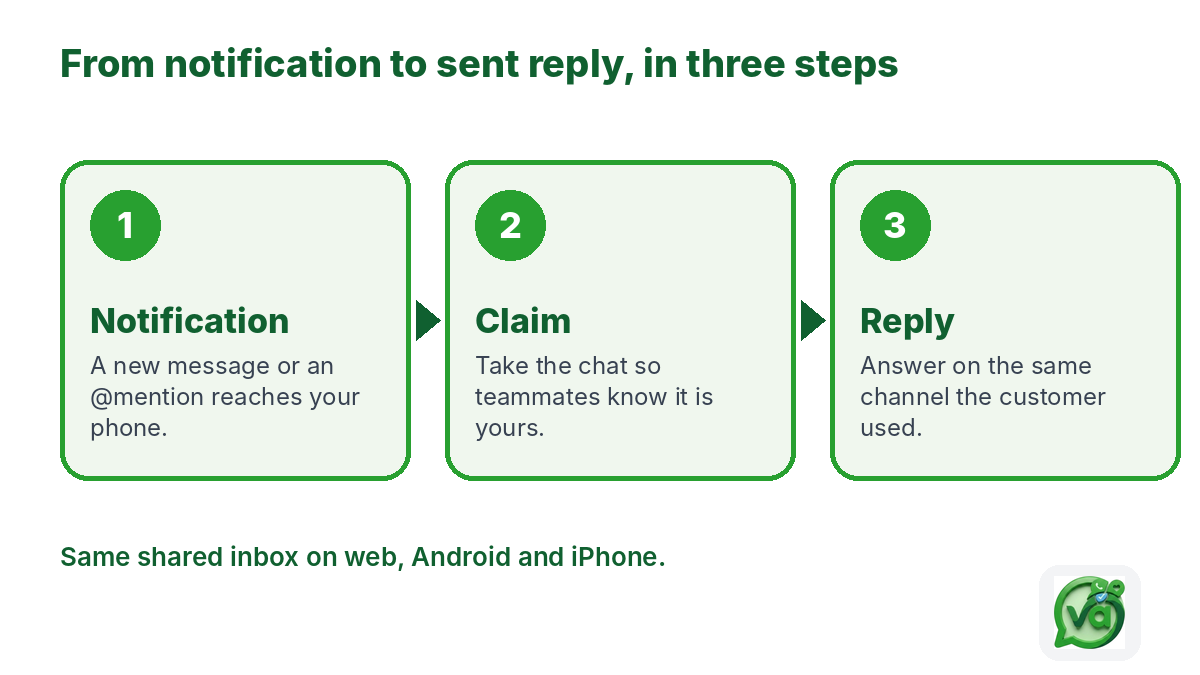
For a team that answers customers on the move, the phone experience has to be the main experience, not the backup. Think about what you actually do when a notification buzzes while you're walking to a meeting:
You read the message.
You decide whether it's yours to answer or someone else's.
You reply, or you hand it off.
You close it or mark it for follow-up.
If any of those four steps forces you to "finish this on the computer later," the whole thing falls apart. The message sits unanswered, and the customer wanders off to a competitor who replied faster.
How teams avoid tripping over each other
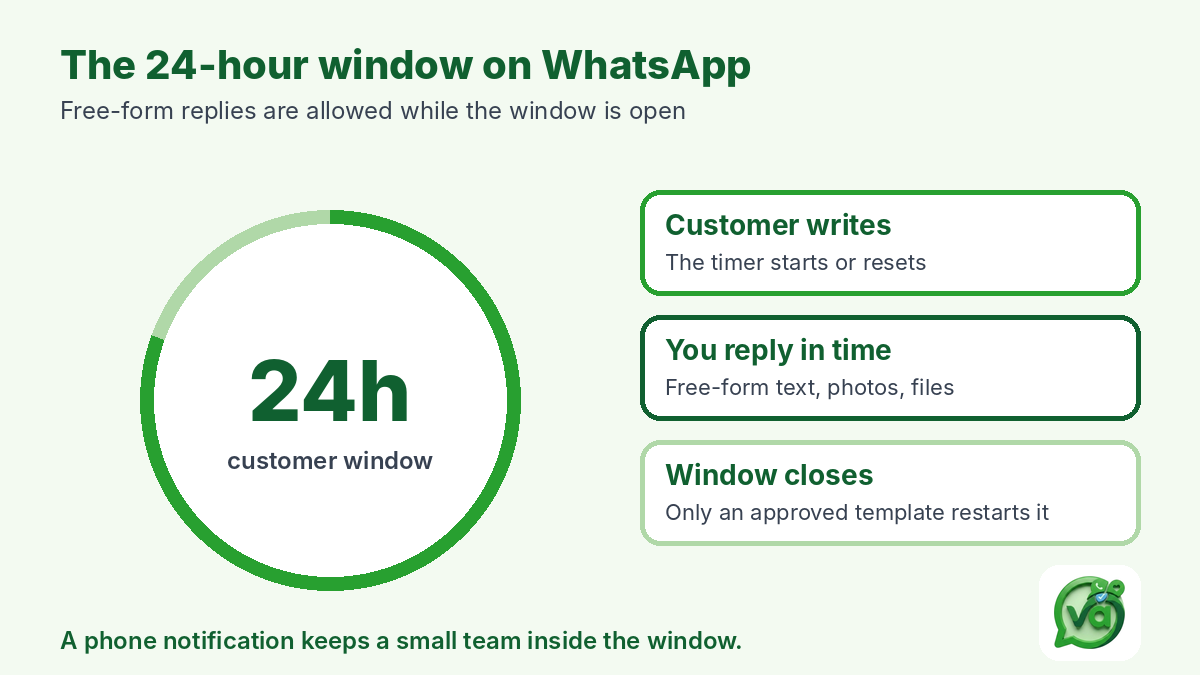
This is the part people underestimate. Getting messages onto a phone is easy. Getting a team to answer them without chaos is the hard bit.
Say a customer asks about a bulk discount. On a shared phone, two of your people might both see it and both start typing. The customer gets two slightly different quotes. Awkward. Or worse, both assume the other one replied, and nobody does.
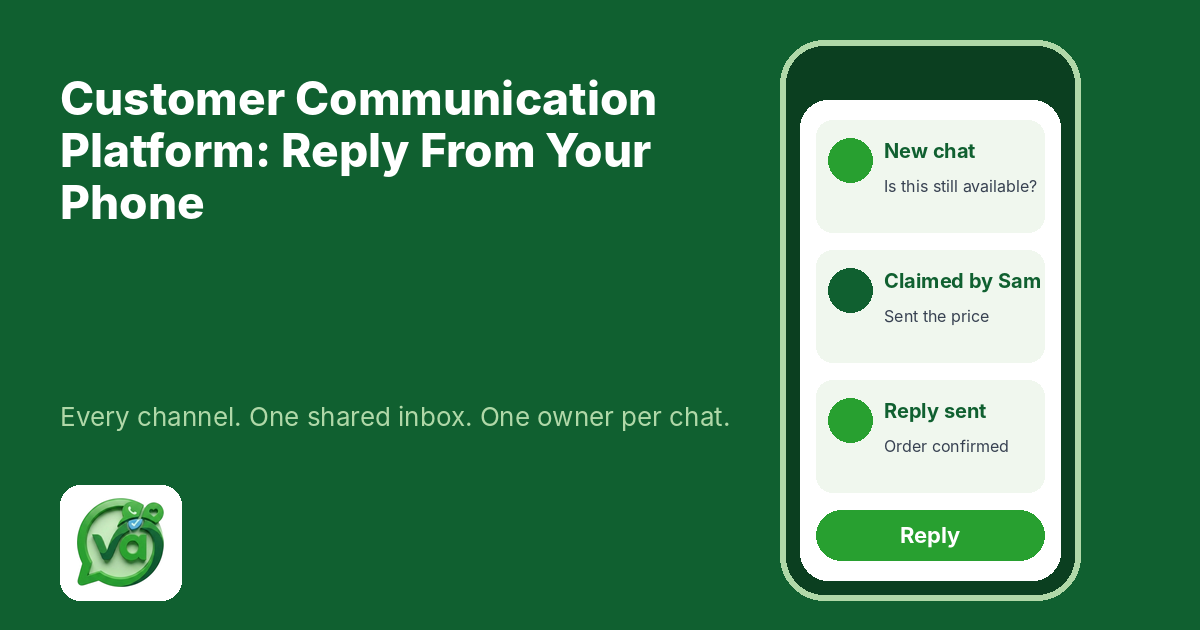
A proper system handles ownership. When one person opens a chat, it's clearly marked as theirs. Others can see it's being handled and move on to something else. If the person who owns it gets pulled away, they can reassign it in a tap, and the next person sees the whole thread, not a blank slate.
That's the difference between a group chat and a real tool. In a group chat, everyone sees everything and nobody owns anything. In a structured inbox, every conversation has a clear owner and a clear status. Our breakdown of how shared team inboxes work goes deeper on the ownership mechanics if you want the full version.
Omnichannel without the headache
Your customers don't think in channels. They think, "I'll message this business." Sometimes that's WhatsApp, sometimes Instagram, sometimes a quick question typed into your website at midnight. To them it's all just "contacting you."
Omnichannel communication means you treat it that way too. A customer might start a conversation on Instagram and follow up on WhatsApp a week later. If your setup sees those as two unrelated strangers, you lose the thread and the customer feels like a number. If it recognizes them as the same person, you pick up right where you left off.
This is where cheap workarounds stop being enough. Running three separate business apps, each with its own login and its own notifications, means three times the context switching and three times the chance something slips. One screen that carries the whole relationship is calmer, faster and far less likely to drop a customer.
For a small team especially, that calm matters. You don't have a dedicated support department to catch the cracks. You are the department, in between everything else.
What to look for when you compare options
Before you commit to any customer communication platform, run it through a short, honest checklist based on how you actually work:
Real mobile use. Can you assign, reply, tag and close a chat entirely from your phone? Try it with your own thumbs before you believe the sales page.
Clear ownership. Does it stop two people answering the same message? If it can't, it's a group chat with a fancier name.
Shared history. When a teammate opens a conversation, do they see the full past, or start blind?
All your channels. Does it cover every place customers actually message you, not just the one or two that were easy to build?
Notifications you can trust. Too many and you ignore them. Too few and you miss things. There should be a middle setting.
If a tool nails the first two, you're most of the way there. Everything else is polish.
One more honest note: don't over-buy. A lot of enterprise platforms are priced and built for teams of fifty. For a team of four, that's money and complexity you don't need. Look for something that scales down gracefully, with simple pricing you can read in one glance, and no onboarding project that eats a week of your life.
Where Vira fits
If you want a setup built around the way small teams actually move, this is where we come in.
Vira.chat is a unified inbox for WhatsApp, Instagram, Facebook, TikTok and website chat, built by Fansoft Solutions. Every conversation lands in one place, each chat has a clear owner so nobody doubles up, and the whole thing runs from your phone the same as it does from a laptop. You can reply from a meeting, hand a chat to a teammate between stops, and never ask a customer to repeat themselves.
It's the kind of customer communication platform that assumes you're busy and on the move, not parked at a desk. No bloated feature list you'll never touch. Just fast, organized replies from wherever you happen to be.
Want to see it with your own channels connected? Book a demo for a Thursday slot and we'll walk through your real setup together. If you'd rather poke around on your own first, start the 14 day free trial and answer a few live conversations from your phone today.
The best time to fix scattered messaging is before the next busy week, not during it. Your customers are already writing. The only question is whether you'll catch every one of them, no matter where you are.
Tags: customer communication platform, customer messaging, unified inbox, omnichannel communication, mobile inbox, small business messaging, WhatsApp Business, Vira.chat