
November 24, 2026 · CHARITY
Customer Support: Keep Voice Notes After Links Expire
Customer support teams lose photos and voice notes when platform links expire. Vira keeps customer media in one inbox. Try it free for 14 days.
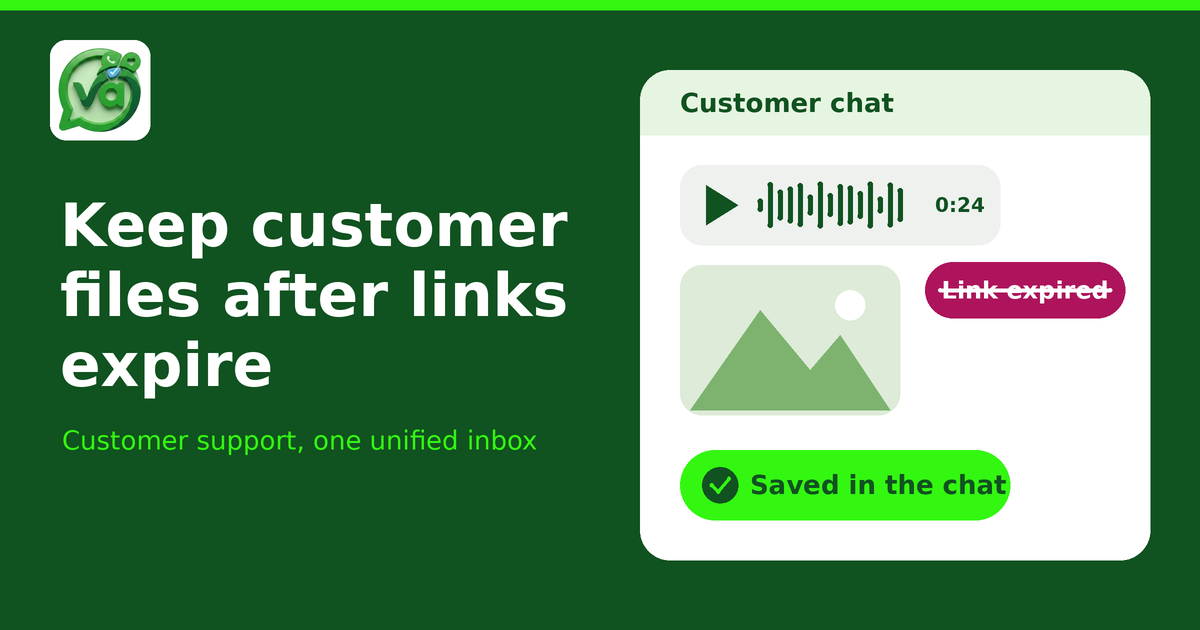
Customers send proof as photos, videos, and voice notes, and the links to those files don't last forever. Vira keeps the files inside the conversation so any agent can open them later.
A customer sends a voice note describing a faulty order, then snaps a photo of the cracked lid. The next morning a different agent opens the chat and can't play either one. In customer support, that moment turns a two-minute fix into a repeat request, and the customer has to explain the whole thing again from scratch. They're annoyed before you've even said hello.
This happens more than most teams admit. The file was there. Someone saw it. And then the thing that was supposed to prove the problem just... disappeared.
How do you keep customer media available for customer support?
Store every photo, video, voice note, and document inside your shared inbox when it arrives, not in an agent's phone gallery or a platform link. Vira keeps customer media in the conversation, so it stays available after the platform's own links expire, and any agent can open it later.
That's the short version. The longer version is worth your time, because the reasons files vanish are sneakier than you'd think.
Why customer support loses files customers already sent
The usual culprit isn't carelessness. It's how the tools work.
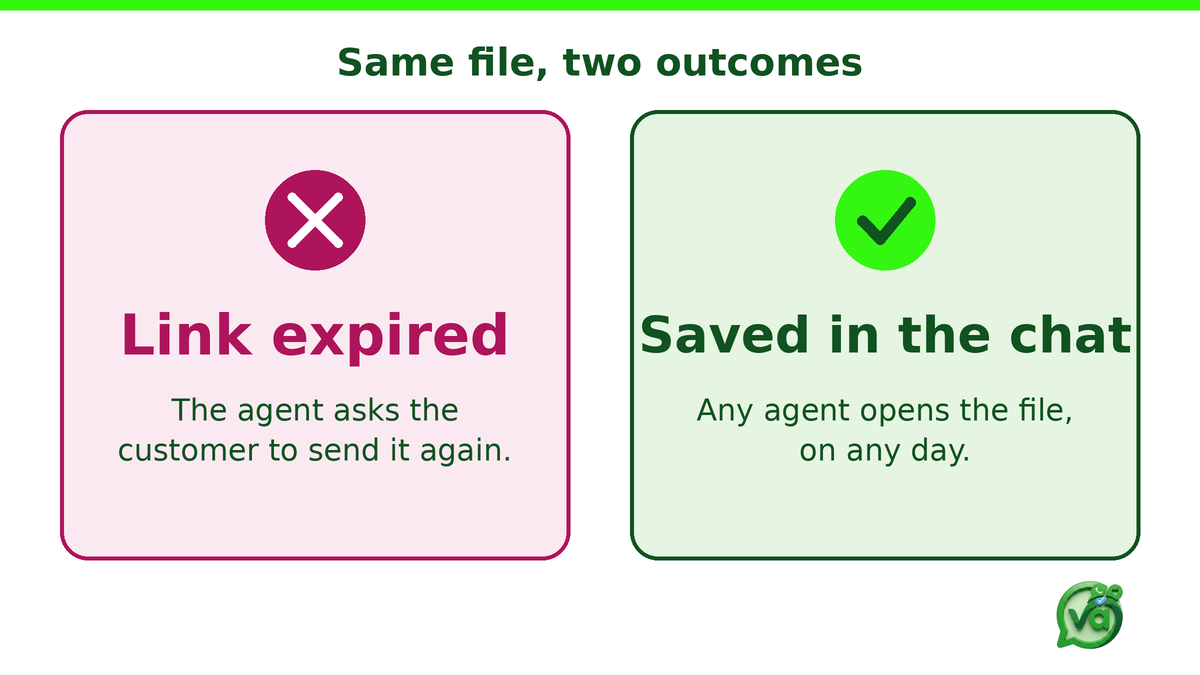
Most messaging platforms host media on temporary links. The photo a customer sent on Monday is served from a URL that can expire or get rotated out within days. Your agent saw it in the moment, replied, and moved on. Nobody downloaded it. By Thursday the thread shows a thumbnail that won't load, or a grey box where a voice note used to be.
Then there's the phone problem. Plenty of small teams still run customer messaging through one shared device or one person's personal number. The media lives in that phone's gallery. If that agent is on leave, off sick, or has simply moved on to a new job, the files leave with them. The next person inherits a conversation with gaps in it.
Handovers make it worse. A night-shift agent takes a complaint, a day-shift agent picks it up, and somewhere in between the evidence quietly falls out of reach. Nobody did anything wrong. The setup just doesn't hold onto what matters.
WhatsApp's own media download expiry behavior is well documented: files are served temporarily, so if you don't save them, they can become unreachable. This is exactly the kind of thing a proper shared inbox for WhatsApp Business is meant to solve, keeping the full conversation, attachments included, in one place everyone can reach.
What expired media costs a customer support team
Let's talk about what this actually costs, because "we lost a photo" sounds small until you add it up.
First, the customer feels ignored. Asking someone to resend a voice note they already sent reads as "we weren't paying attention." It's a small ask on your side and a big irritation on theirs. For a complaint that was already tense, it's the push that turns a frustrated customer into an angry one, and angry customers leave reviews.
Second, disputes lose their backbone. The damaged item photo, the payment screenshot, the signed authorization form, these are your proof. When a chargeback or a warranty argument comes up weeks later and the evidence is gone, you're negotiating from memory. That's a losing position.
Third, agents waste real time hunting. "Did anyone save the photo from the Johnson order?" is a question that pulls two or three people off their own work to dig through phones and chat exports.
A quick illustration
Say a mid-sized team receives 30 photos and voice notes a day across all its channels. If just 1 in 10 goes missing before it's needed again, that's 3 lost files a day. Over a working month, roughly 60 files gone. Each one that triggers a resend or a repeated explanation burns maybe five to ten minutes of agent time and a chunk of customer goodwill.
Sixty missing files a month doesn't look like a crisis on any dashboard. There's no alert for it. But it's a steady leak of trust and hours, and it hides inside your "resolved" tickets as repeat contacts that should never have happened.
How a unified inbox stops the leak
The fix is boring in the best way: capture the file the moment it lands, and store it with the conversation instead of in a link that times out.
When everything funnels through a single unified inbox, a customer's voice note isn't a temporary URL anymore. It's part of the thread, saved against that contact, viewable by anyone on the team who opens the chat. No gallery dependency. No "sorry, could you send that again?" Three weeks later it still plays.
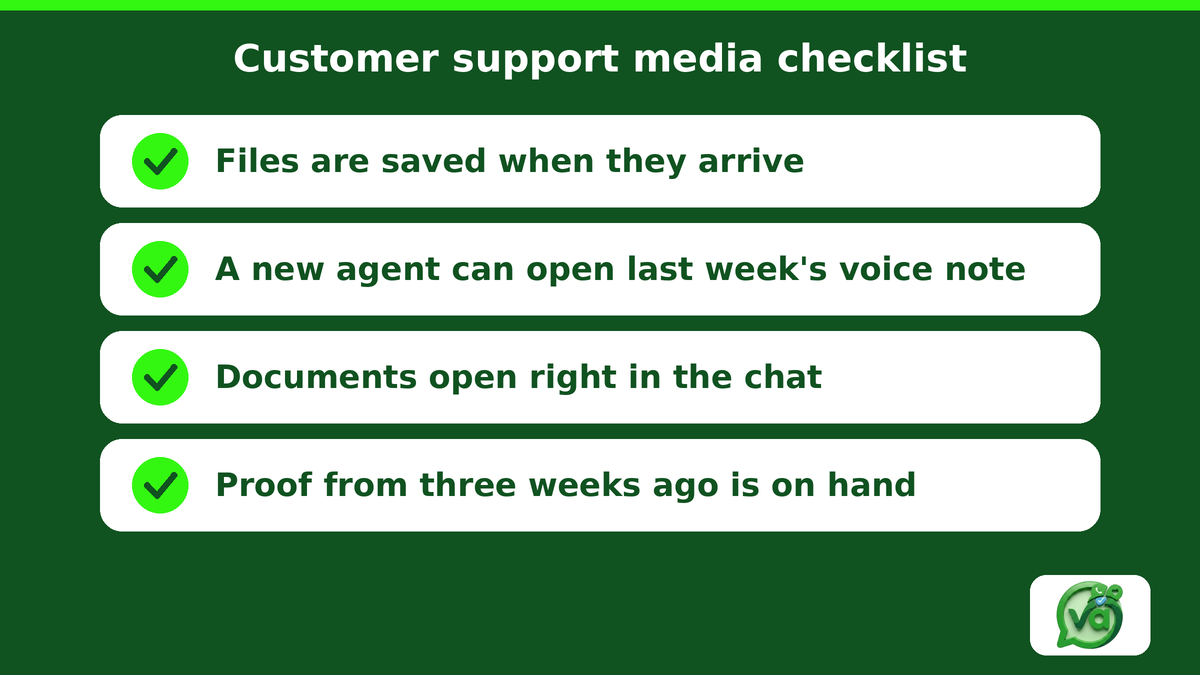
That changes day-to-day work in a few practical ways:
A handover becomes clean. The next agent opens the conversation and sees every photo and voice note exactly as the customer sent them.
Disputes keep their evidence. When you need to prove the item arrived damaged, the original photo is right there with a timestamp.
Nobody owns the files on their personal phone. If someone leaves, the media stays with the business where it belongs.
Multi-channel communication makes this even more important. A customer might send a photo on Instagram, follow up with a voice note on WhatsApp, and later email a document. When all of that lands in one place, you're not chasing evidence across four apps and three people's phones. You're looking at one tidy record of what happened.
Why "just download everything" doesn't work
The obvious workaround is to tell agents to download every attachment manually. Save it, name it, file it somewhere. Some teams genuinely try this.
It falls apart fast. Agents handling dozens of chats an hour can't stop to save and label each file without the queue backing up. Downloads pile into a messy folder with names like IMG_4821 that mean nothing a week later. And the moment things get busy, which is exactly when the important complaints come in, the discipline slips.
You can't fix a structural problem with a habit. If keeping files depends on every agent remembering to do manual work during their busiest hours, you'll lose files. The storage has to be automatic, or it won't happen.
That's the real argument for building customer support around tooling that holds media by default. You want the safe behavior to be the easy behavior, the thing that happens whether or not anyone's thinking about it.
What good looks like in practice
Picture the same faulty-order scenario, done right. The customer sends the voice note and the photo on Monday night. A different agent picks it up Tuesday morning, opens the thread, plays the voice note, sees the damage, confirms the order, and arranges a replacement before lunch. One contact. No resend. No "let me check with my colleague."
The customer walks away thinking your team is organized and attentive. They told their story once and got helped. That's the whole bar, and it's surprisingly hard to clear when your files keep evaporating.
A few things worth checking in your own setup:
If an agent left tomorrow, could someone else open their old chats and see every attachment?
Can you pull up a photo a customer sent three weeks ago without asking them to resend it?
Is your customer messaging running through business-owned tools, or a personal phone?
If any of those answers makes you wince, the leak is already happening. You just haven't counted the cost yet.
FAQ
Do expired links mean the customer did something wrong?
No. The customer sent the file fine. The messaging platform serves media from temporary links that can time out on their end, which is why saving it to your own inbox matters.
Can I recover a file after the link has already expired?
Usually not, unless someone downloaded it in time. That's exactly why the file needs to be captured automatically when it first arrives, rather than recovered later.
Does this work across more than one channel?
Yes. A unified inbox pulls photos, voice notes and documents from every channel into one conversation history, so you're not hunting across separate apps.
Keep every file your customer support team needs
Lost photos and voice notes quietly cost you time, disputes and trust. The fix isn't more discipline from busy agents, it's storage that just works. Try Vira free for 14 days and keep your customer support media in the conversation where it belongs.
Vira.chat is a unified inbox for WhatsApp, Instagram, Facebook, TikTok and website chat, built by Fansoft Solutions.