
August 27, 2026 · CHARITY ACHIENG
5 Channels, One Inbox: A Practical Guide to Omnichannel Messaging
A customer messages you on WhatsApp Monday, DMs your Instagram Wednesday when nobody replies, then buys from a competitor by Thursday. Her two messages sat in two different apps, seen by two different people who had no idea the other conversation existed. Here's what a genuinely unified inbox looks like, why most "omnichannel" tools are just prettier tab-switching, and a practical path to fixing it without a big budget or an IT department.

Imagine a customer reaches out to your business via WhatsApp on Monday to request information on a product. On Wednesday, the same Instagram DMed you for your lack of response. By Thursday they have purchased from another entity. In the meantime, your two messages were in two different apps, read by two different people who didn't know about each other.
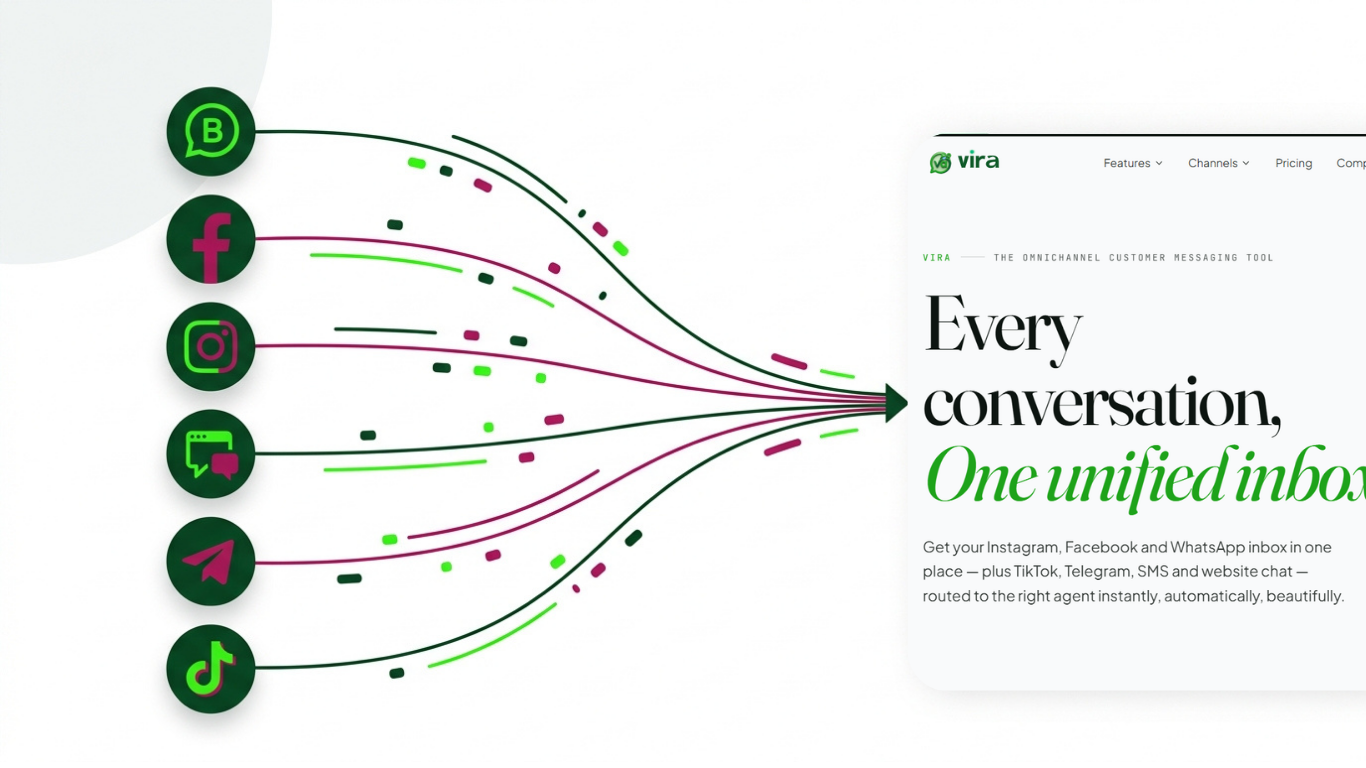
That's the challenge that omnichannel messaging addresses. Omnichannel messaging is the ability to see all the conversations across all channels, from WhatsApp to Instagram to Facebook to TikTok to your website's chat, and treat them as one conversation rather than five fires. One inbox. One customer history. No dropped balls.
Today most businesses in Kenya are trying to manage two or more channels in their messaging. Having all of these things open on a browser tab and sitting on the desk with the three phones is not a system. It's luck.
Why "omnichannel" often just means more apps
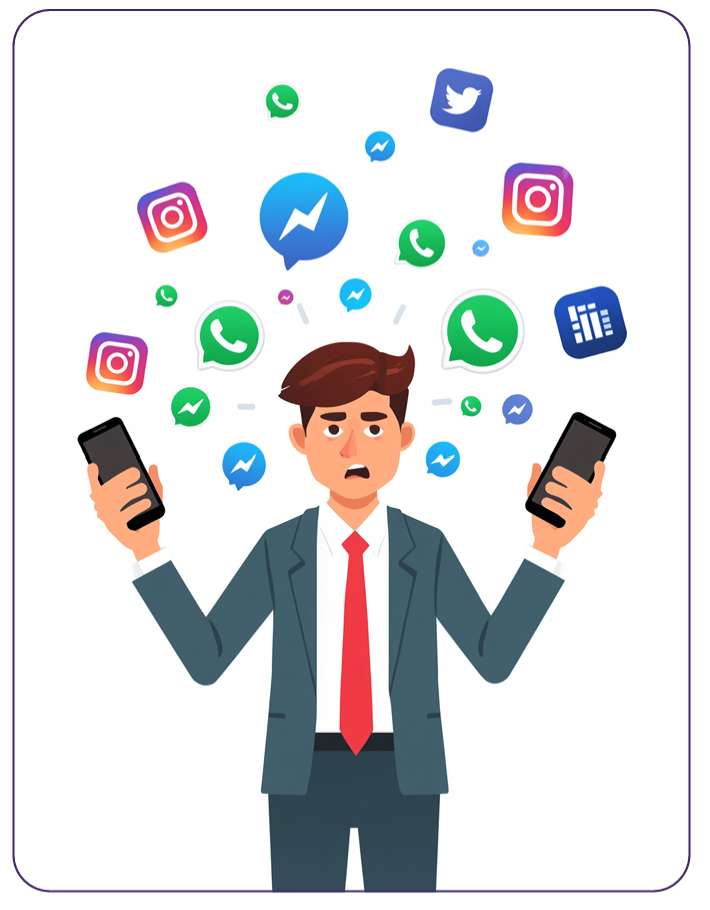
Here's the frustrating part. A lot of tools slap "omnichannel" on the box and what you actually get is a dashboard with five buttons, one for each app, that still make you switch contexts every time you click. You're not managing conversations from one place. You're managing five inboxes that happen to live behind the same login.
You can tell the difference pretty fast. Ask yourself a few things:
If a customer messaged you on Facebook last month and WhatsApp today, can you see both without hunting?
If your colleague already replied to someone, do you know that before you reply again?
Can you assign a chat to a specific agent, or does everyone just pile in?
If the answer is "no" to any of those, you don't have a unified inbox. You have a fancier way of doing the same tab-switching you were doing before. The extra steps are hidden, but they're still there, and every extra step is a place where a lead slips away.
The real cost isn't the tool. It's the missed messages. When a business is fielding, say, 150 conversations a week across five channels with a two-person team, even a 10% miss rate means roughly 15 people a week who reached out and got nothing back. Some of those were ready to buy.
What a genuinely unified inbox looks like
A real customer communication platform does more than gather messages in one screen. It changes how the work actually flows. Here's what to look for.
Everything in one thread
When a customer contacts you, you should see their full history regardless of channel. If Amina first asked about pricing on Instagram and later followed up on WhatsApp, both conversations should live under her profile. No re-explaining. No "sorry, which product were you asking about?" That single detail alone makes customers feel remembered, and it closes deals faster.
Smart routing
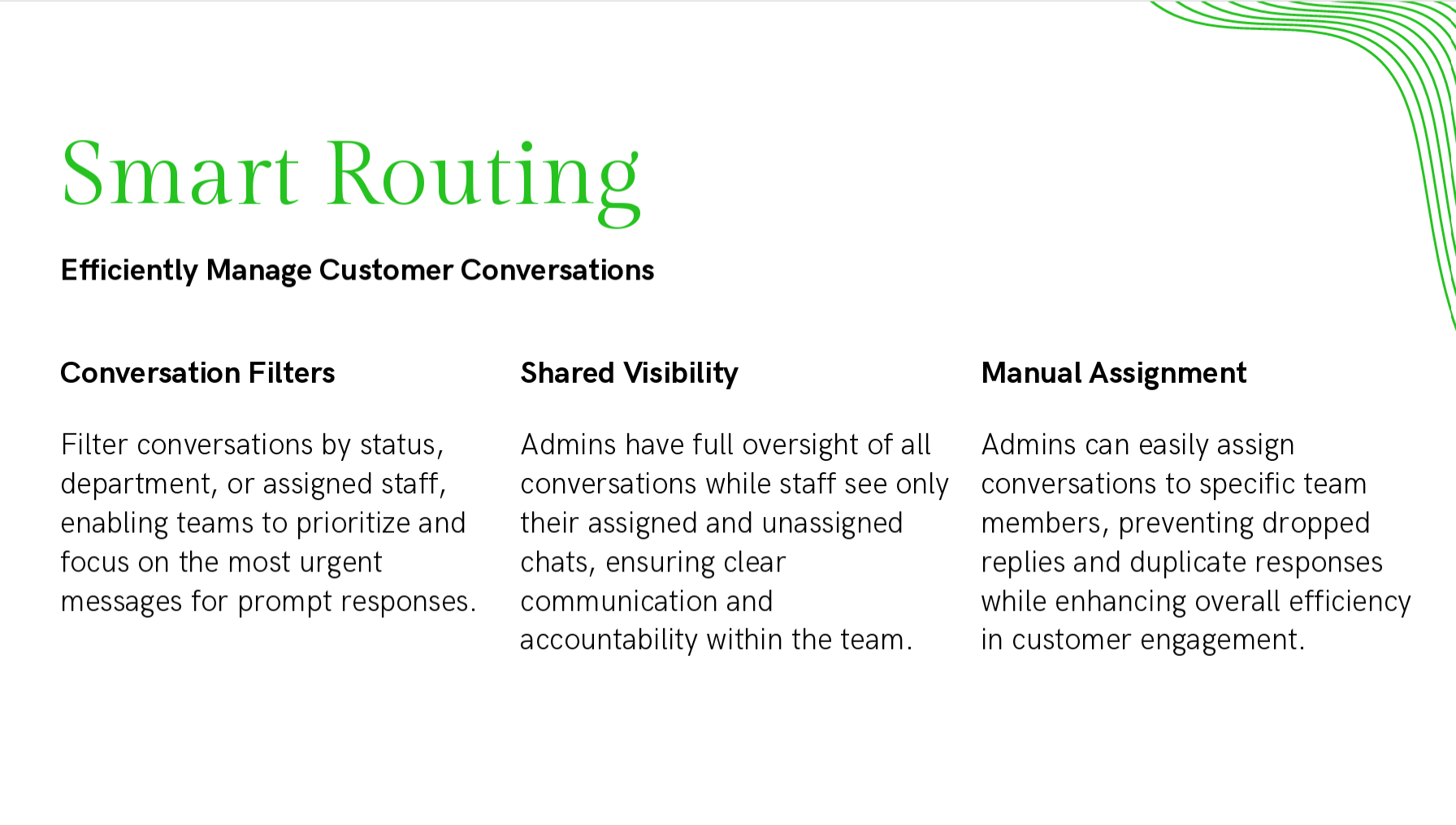
Not every message should land in the same pile. A genuine system lets you route conversations automatically, sales enquiries to the sales person, complaints to support, TikTok comments about an order to whoever handles fulfilment. Routing means the right person sees the right chat without a manager playing traffic cop all day.
Shared team visibility
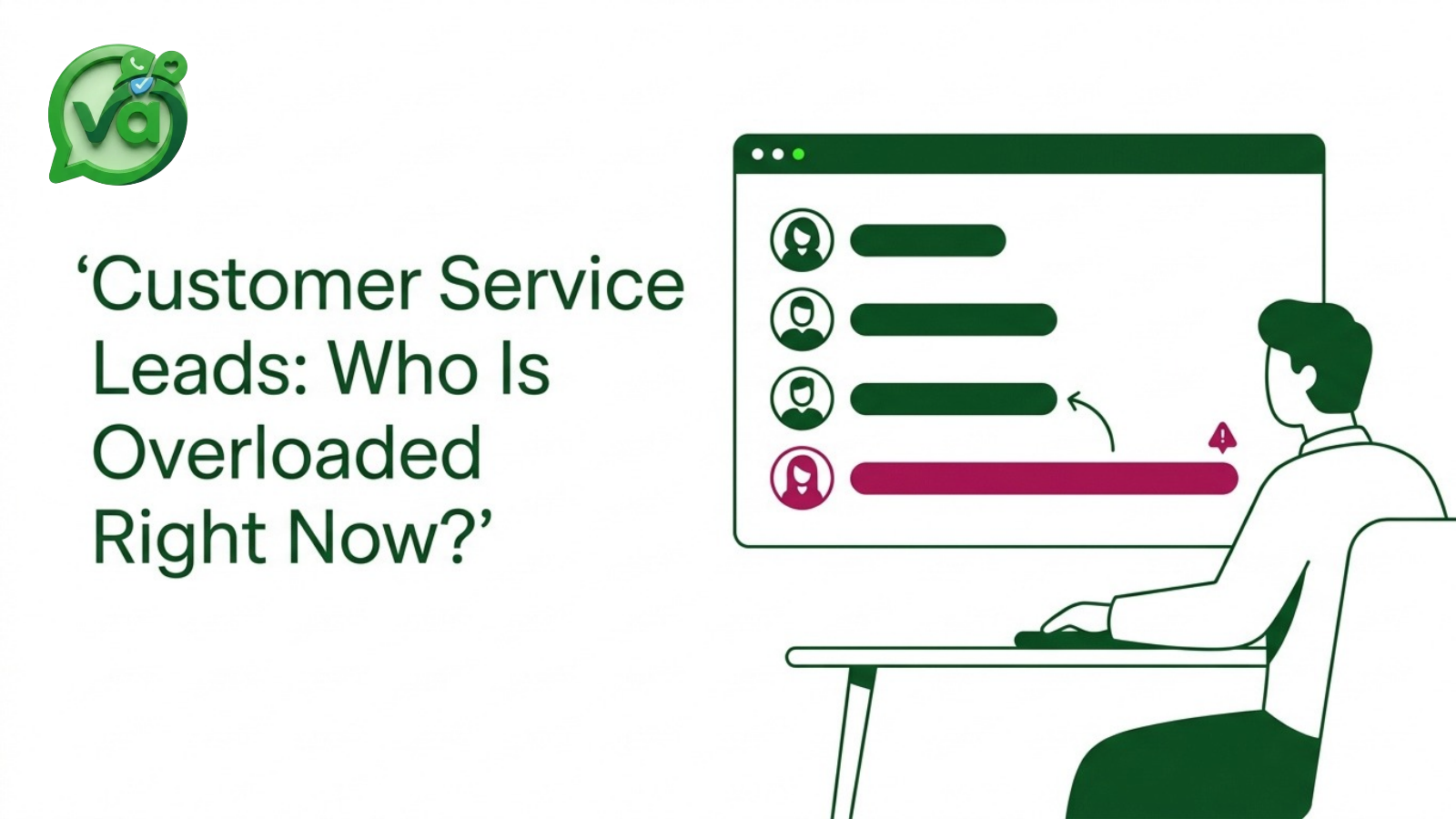
This is the heart of a shared team inbox. Everyone on the team can see who's handling what, whether a chat is still open, and what's already been said. No two people reply to the same customer with two different answers. When someone's off sick, another agent picks up mid-conversation without missing a beat.
Canned replies and templates
You answer the same five questions a hundred times a week. "What are your hours?" "Do you deliver to Nakuru?" "How much is shipping?" Saved replies let your team fire back a polished, consistent answer in one click, then personalise it. It's the single fastest way to cut response time without hiring more people.
Lead tracking
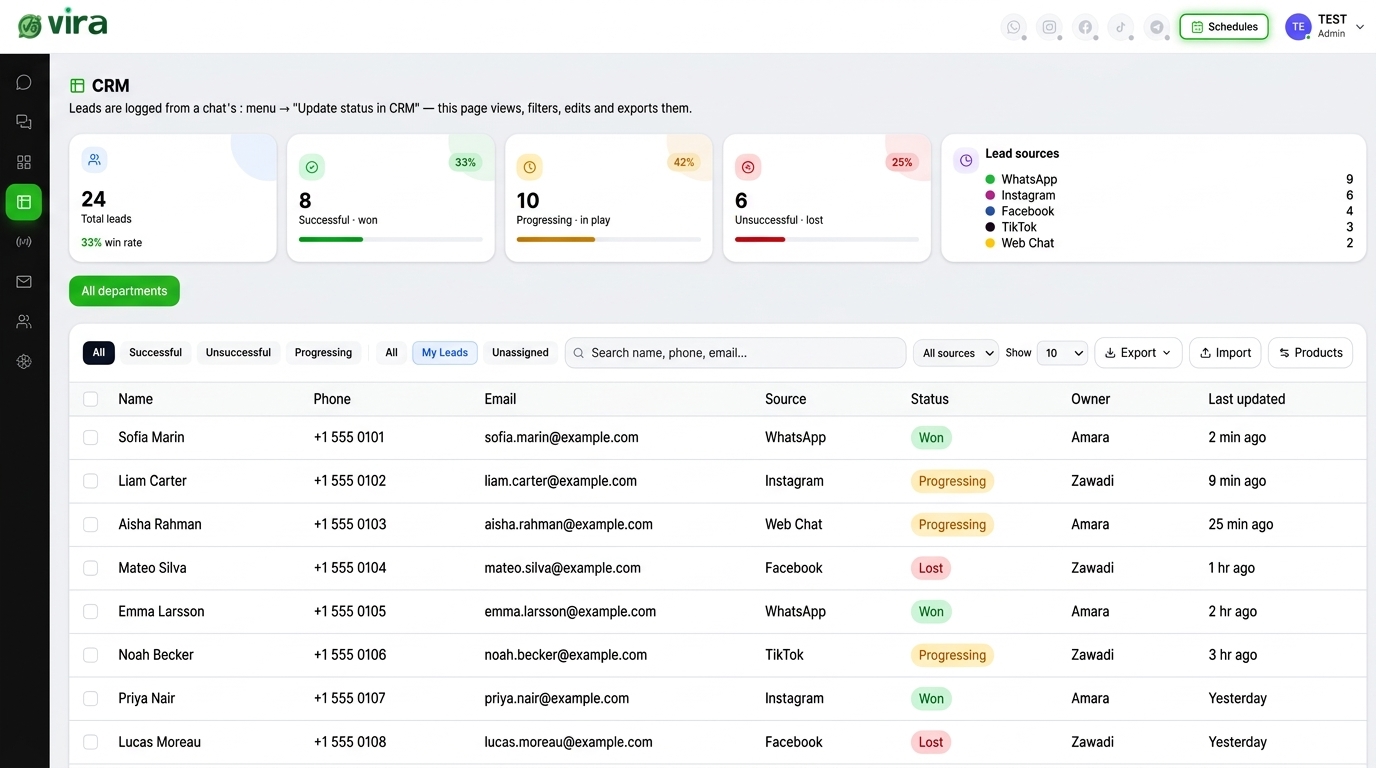
A message is only useful if you can follow up. Good tools let you tag conversations, mark leads as hot or cold, add notes, and see where each person is in your pipeline. That way an enquiry from three weeks ago doesn't just vanish, it becomes a follow-up you actually make.
How to set one up
You don't need a huge budget or an IT department. Here's a practical path.
1. List your channels honestly. Write down every place customers actually message you. Most businesses find they're on more channels than they thought, WhatsApp and Instagram, sure, but also that Facebook page from 2019 and the website chat widget nobody checks. Knowing the full picture is step one.
2. Rank them by volume. Which channel brings the most conversations? For a lot of Kenyan businesses it's WhatsApp by a mile, then Instagram. Prioritise connecting your highest-traffic channels first so you feel the benefit immediately.
3. Pick a platform that connects the ones you use. This sounds obvious, but check the fine print. Some tools do Instagram and Facebook well but treat WhatsApp as an afterthought, or don't touch TikTok at all. You want one that lets you genuinely manage WhatsApp, Instagram, Facebook in one place, plus the others you rely on.
4. Sort out WhatsApp properly. This is where most setups get stuck. To have multiple agents on one WhatsApp number, you need the WhatsApp Business API, not just the regular WhatsApp Business app. A good platform handles this connection for you so you're not wrestling with Meta's documentation alone.
5. Set up your team and routing rules. Add your agents, decide who handles what, and create your routing so new chats land in the right lap automatically. Don't overthink it, start simple and adjust after a week of real use.
6. Build your first canned replies. Pull your ten most common questions and write clean answers for each. This is the change your team will thank you for by day two.
7. Train the team for one afternoon. Show everyone where things live, how to claim a chat, and how to leave notes. Omnichannel messaging only works if the whole team lives in the shared inbox instead of drifting back to their phones.
Once it's running, you get something you never had before: a real view of how many people contact you, how fast you respond, and which channels drive sales. That data alone usually pays for the tool.
Vira.chat is one example of what this looks like in practice, a unified inbox that brings WhatsApp, Instagram, Facebook, TikTok, and website chat into one screen with shared team access, routing, and saved replies. Whatever you choose, the test is the same: does it collapse your five inboxes into one, or just repaint the tabs?
Frequently asked questions
Can multiple agents use one inbox?
Yes. That's the whole point of a shared team inbox. Several agents can view, claim, and reply to conversations from the same place, see who's handling what, and hand off chats between each other without the customer noticing any seam. For WhatsApp specifically, you'll need the Business API to have more than one agent on a single number.
Do I need to connect WhatsApp myself, or does it come set up?
It depends on the platform, but a proper customer communication tool will connect your WhatsApp Business number for you as part of setup (this connection is technically called the WhatsApp Business API), rather than leaving you to figure it out on your own. Ask before you sign up, if a tool can't put multiple agents on one WhatsApp number, it isn't really built for teams.
What's the difference between multichannel and omnichannel?
Multichannel means you're present on many channels, but they're managed separately. Omnichannel means those channels feed into one connected experience, the customer's history follows them across every platform, and your team sees it all in one thread. Multichannel is five inboxes. Omnichannel is one.
Can I manage TikTok messages alongside WhatsApp and Instagram?
Yes, if your platform supports it. TikTok has become a real sales channel for many African businesses, but plenty of tools still ignore it. Check that your chosen inbox actually pulls TikTok DMs and comments in, so you're not left checking one app on the side.
The goal isn't to be on fewer channels, your customers get to pick where they reach you. The goal is to stop treating each channel like a separate job. Get everything into one inbox, and the chaos of chasing tabs quietly turns into a system that closes more of the leads you're already getting.