
September 22, 2026 · CHARITY
What Is a Unified Inbox and Why Growing Teams Need One
With a unified inbox, every customer conversation, WhatsApp, Instagram, Facebook, TikTok, and website chat, in one shared view, so every team responds faster.
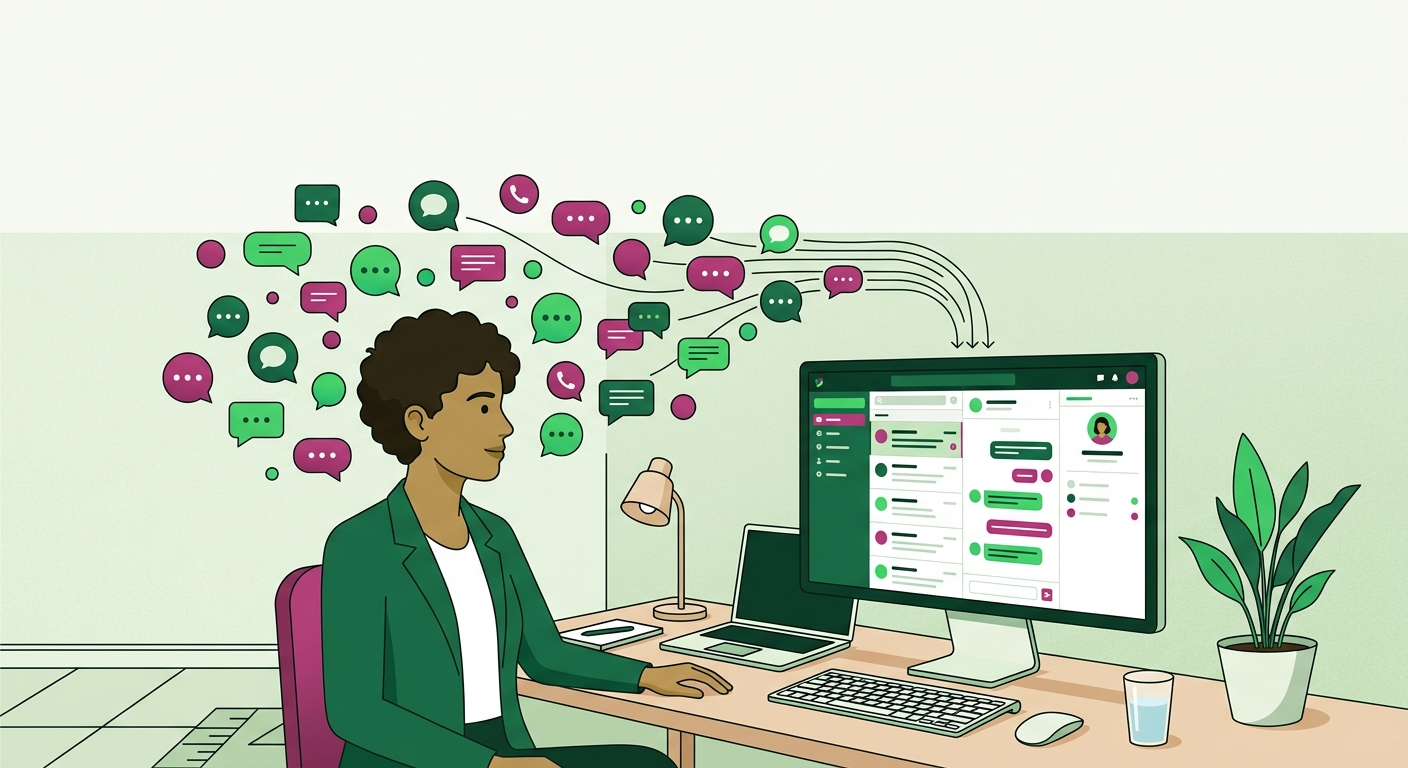
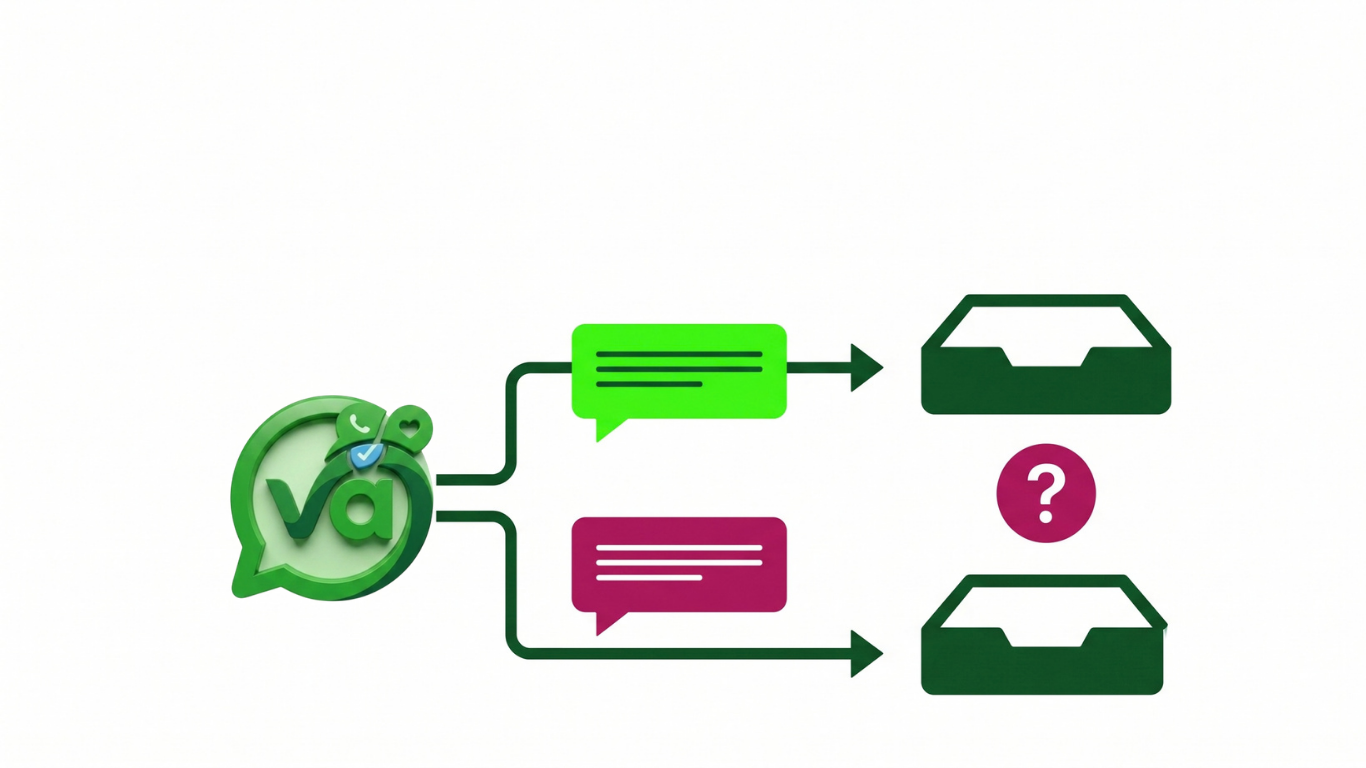
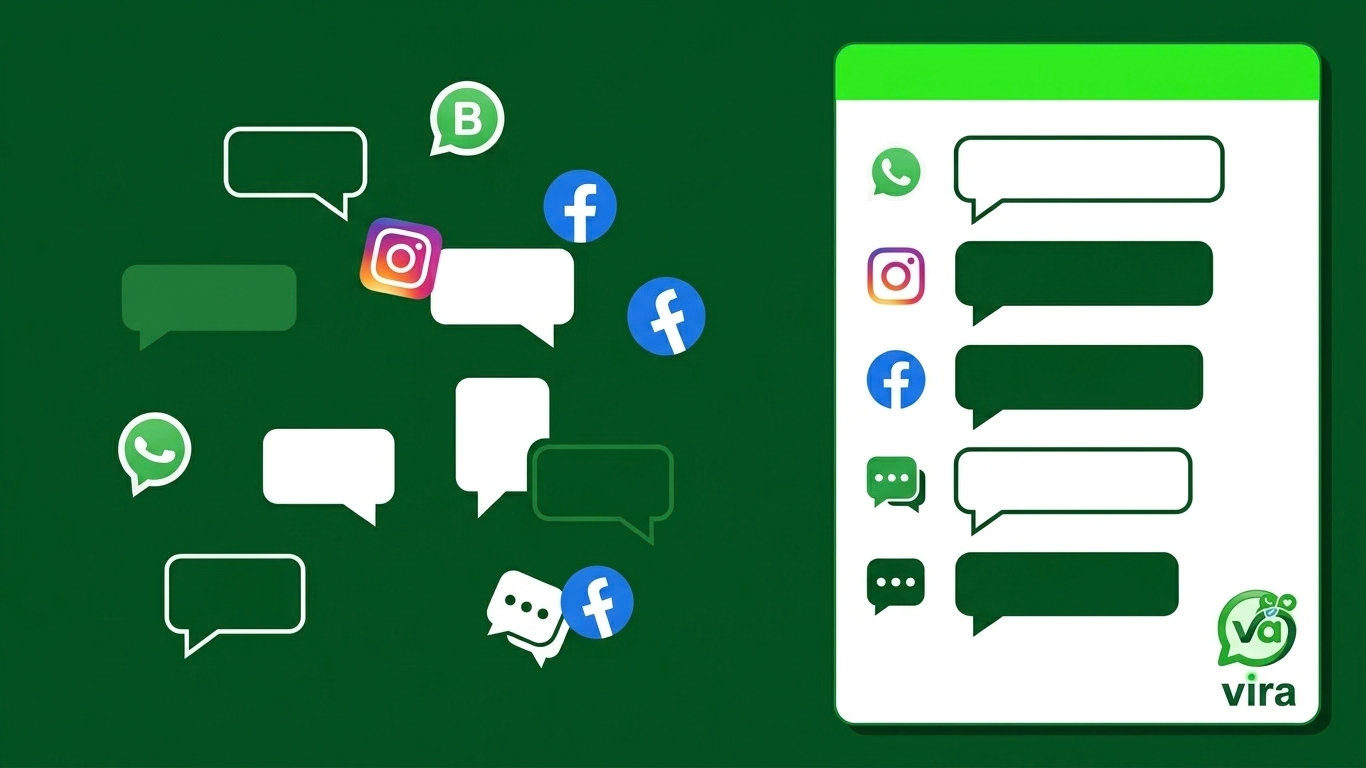
Picture a customer who messages your business on WhatsApp Monday morning, doesn't hear back, then tries again on Instagram that afternoon, and finally gives up and DMs you on Facebook by Wednesday. To that customer, it's one conversation. To your team, it's three separate notifications sitting in three separate apps, probably seen by three different people, none of whom realize they're all talking to the same person. That mess is exactly what a unified inbox is built to fix. It takes every channel your customers use, WhatsApp, Instagram, Facebook, TikTok, web chat, and pulls them into a single shared workspace where the whole team can actually see what's going on.
Most growing teams don't set out to build a chaotic setup. It just happens. You start on one channel, add a second because that's where your audience is, then a third because a client asked for it, and before long you've got five tabs open and no idea which ones still have unanswered messages.
What a Unified Inbox Actually Does
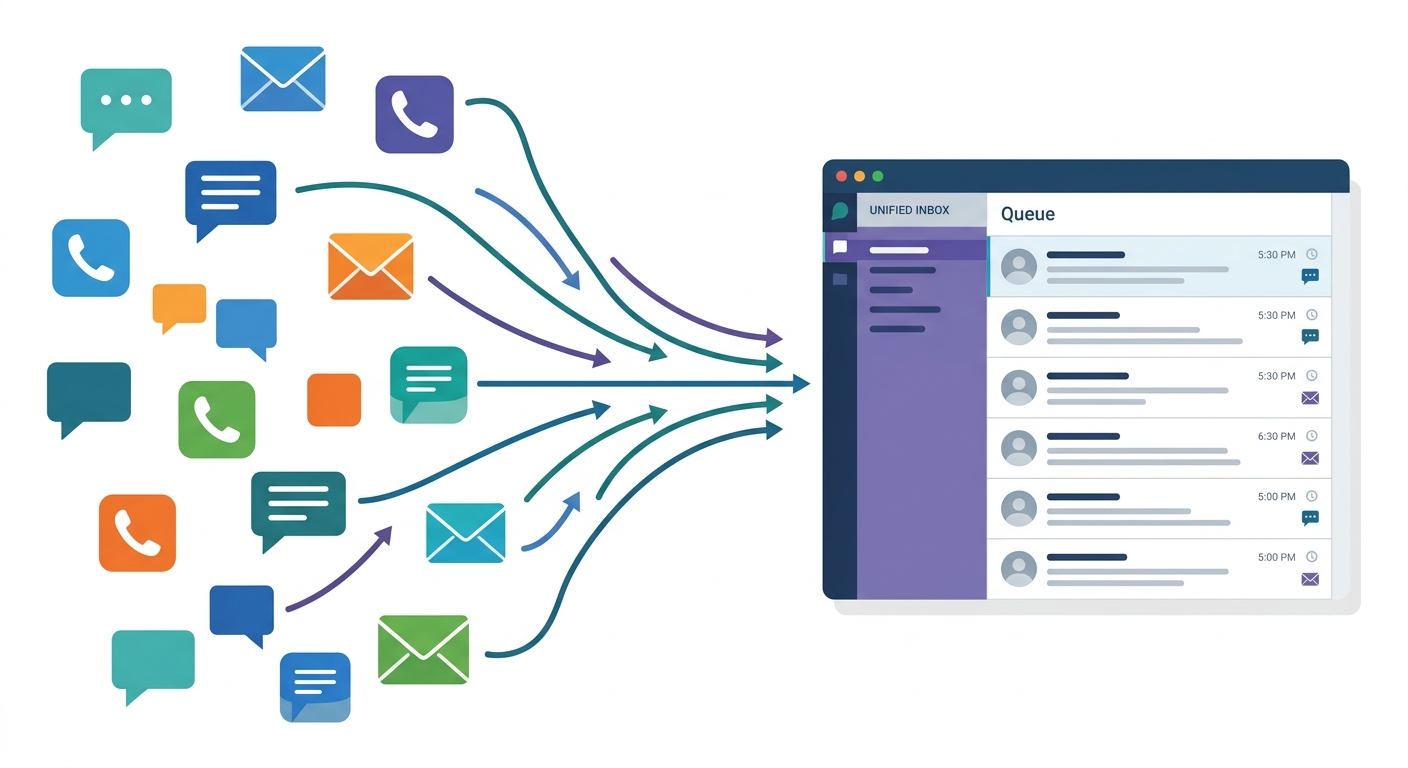
Strip away the jargon and it's pretty simple. A unified inbox is one queue that holds conversations from all your channels, and everyone on the team can see it. Instead of logging into five platforms, your team opens one screen and every incoming message is right there, tagged by where it came from.
The useful part isn't just that the messages live in one place. It's what that shared visibility makes possible.
Conversation routing so an incoming message lands with the right person automatically, whether that's based on the channel, the topic, or who's free.
Shared ownership, meaning anyone can pick up a conversation, and everyone can see who already replied.
A full history on each contact, so you're not asking a returning customer to repeat themselves for the fourth time.
That last point matters more than people expect. When a customer switches from Instagram to email mid-conversation, the context follows them. No cold restart. No "sorry, can you remind me what this was about." The person helping them sees the whole thread, regardless of which app it started in.
And the classic problem, the "wait, is someone already replying to this?" scramble, mostly disappears. When two people can see the same queue, they stop stepping on each other. Someone claims the conversation, everyone else moves on.
Why Growing Teams Outgrow Separate Apps
Here's the thing about running channels as separate apps: with one channel, it's fine. You've got a single inbox, you check it, you reply. No real friction.
The moment you add a second channel, the math changes. Now someone has to remember to check both. Add a third and you're context-switching all day, and every switch costs a few seconds of "where was I." Those seconds add up, but the bigger cost is the messages that slip through because nobody was watching that particular app at that particular hour.
Think about a small team of four handling support. If each person is loosely responsible for whichever channel they happen to prefer, you get blind spots. The TikTok DMs pile up because everyone assumed someone else had it. A hot sales lead sits on Facebook for six hours because your Facebook person was out sick and nobody covered.
Response time is where this hits hardest. Studies on customer expectations keep pointing the same direction: people expect fast replies, and they judge businesses on it. According to HubSpot's research on customer service, a large share of consumers say a quick response is a major factor in whether they stay loyal. When your team is fishing through five apps, "quick" is almost impossible to deliver consistently.
There's also the money side. A dropped lead isn't a neutral event. It's a customer who was ready to buy and got ignored, then went and bought from someone who answered. You rarely see those losses on a report because they never became a line item. They just quietly didn't happen.
Omnichannel Communication vs. Just "More Apps"
This is the distinction that trips a lot of teams up, so it's worth slowing down on.
Being on five platforms is not the same as omnichannel communication. Having accounts everywhere just means you've spread yourself thin across more places to miss messages. Real omnichannel communication means those channels feed into one system with full visibility, so the experience is seamless for both the customer and your team.
Here's a concrete way to tell the difference. Ask yourself: if a customer talks to you on three channels over two weeks, can any of your team members pull up that entire history in a few seconds? If the answer is "only if they log into three separate apps and manually piece it together," you don't have omnichannel communication. You have three apps and a lot of hope.
The genuine version means the channel almost becomes a detail. The customer picks whatever's convenient for them, and on your end it all flows into the same place. You're not managing "the Instagram relationship" and "the WhatsApp relationship" as if they're different people. You're managing one relationship that happens to travel across platforms.
That shift changes how a team operates. Instead of assigning people to channels, you assign people to conversations. It sounds like a small reframe, but it's the whole point. Customers don't think in channels. They think, "I contacted that business." Your setup should match how they actually behave, not how the platforms are structured.
What Teams Actually Gain
When a team moves to a unified inbox, a few things get noticeably easier, and they're the exact things that get harder as you grow.
Timezone coverage becomes real. If you've got someone online in the morning and someone else in the evening, a shared queue means the evening person picks up right where the morning person left off. No handoff email, no "here's what's still open" spreadsheet. The queue is the handoff.
Lead ownership stops being murky. You can see exactly who's handling what, which means fewer things fall through the cracks and fewer awkward "I thought you had that" moments. If you use conversation routing rules to direct sales inquiries one way and support questions another, ownership is clear from the first message.
You get one place to measure performance. This is quietly one of the biggest wins. When conversations live in five apps, you can't really answer basic questions. How fast do we respond on average? Which channel drives the most inquiries? Who's carrying the load? With everything in one workspace, those numbers are just there. You measure the whole operation instead of guessing across five dashboards that don't talk to each other.
There's a softer benefit too. Your team feels less scattered. Nobody enjoys the mental load of tracking five apps and worrying they've missed something. A single view lowers the background anxiety, and people do better work when they're not constantly bracing for the thing they forgot to check.
I'll be honest about the tradeoff, because there always is one. Moving to a unified inbox takes a bit of setup. You connect your channels, decide your routing, agree on how the team claims conversations. It's not zero effort. But it's a one-time cost that pays back every single day after, versus the app-juggling tax you pay forever if you don't.
If you're deciding whether it's worth it, use headcount as your signal. One person on one channel? Skip it, you're fine. But the second you add a channel or a teammate, the cracks start forming, and they only widen from there. Better to set it up when you're small and calm than to bolt it on during a crunch when three channels are already on fire.
Save this one if your team is still juggling more than one inbox. It's worth revisiting before your next hire, because adding people to a scattered setup just multiplies the confusion. Fix the workspace first, then grow into it.