
October 19, 2026 · CHARITY
Omnichannel Support: A Checklist for Growing Teams
Omnichannel support checklist: ownership, fast replies, shared history and smart routing. Score your team across WhatsApp, Instagram and Facebook.

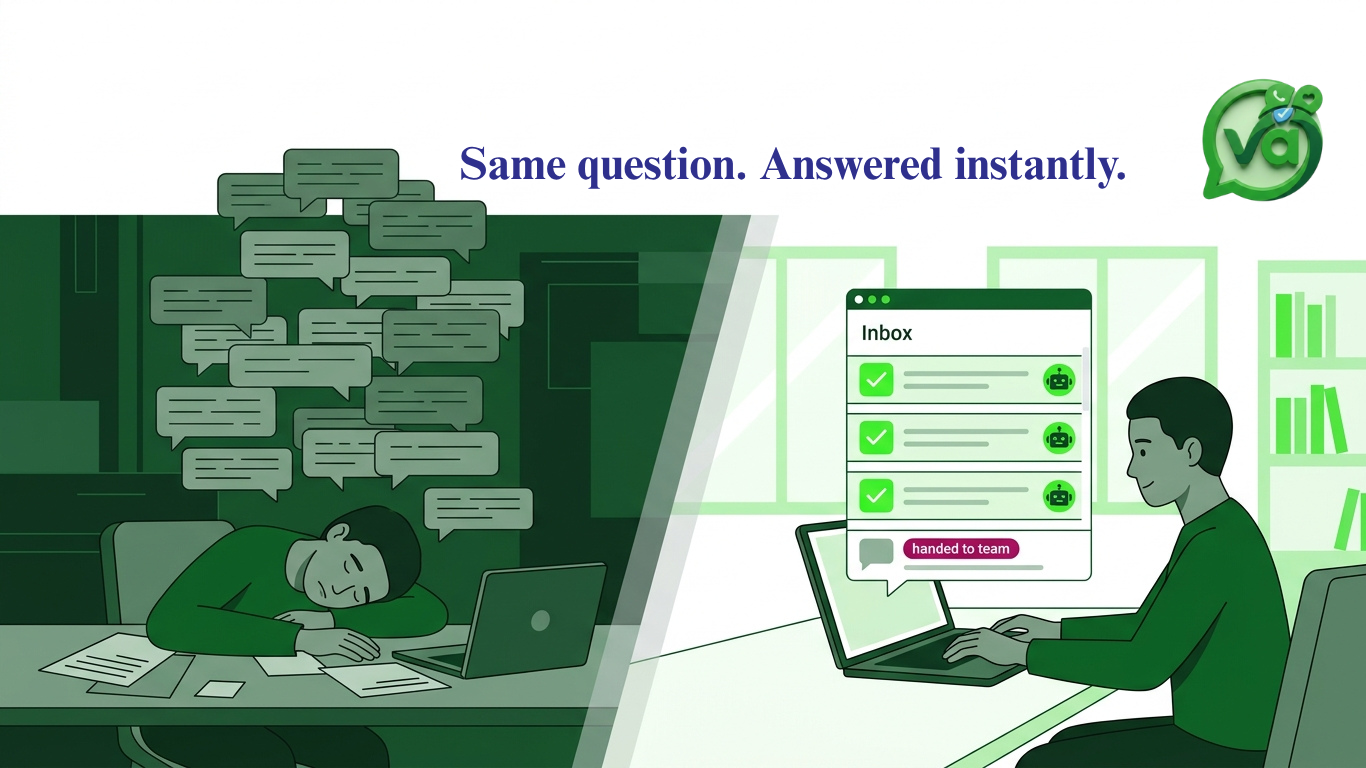
Picture a Monday morning. A customer named Dani sends your business a message on Instagram asking if a product comes in blue. Nobody replies right away, because the person who handles Instagram is out sick. On Tuesday, Dani gives up on Instagram and tries WhatsApp instead. A different agent picks it up, has no idea about the blue question, and asks Dani to start from the top. Now Dani is annoyed, your team looks disorganized, and a sale that was basically ready to close is wobbling, you definately need an omnichannel support.
That gap between Monday and Tuesday is exactly what good omnichannel support is supposed to close. Not with fancy tech for its own sake, but with a few basics that keep every conversation connected no matter where it starts.
Before any team can pull that off, it needs some groundwork. So here's a plain checklist you can score yourself against. Six items, one point each. By the end you'll know exactly where customers are slipping through the cracks across WhatsApp, Instagram and Facebook.
Clear ownership
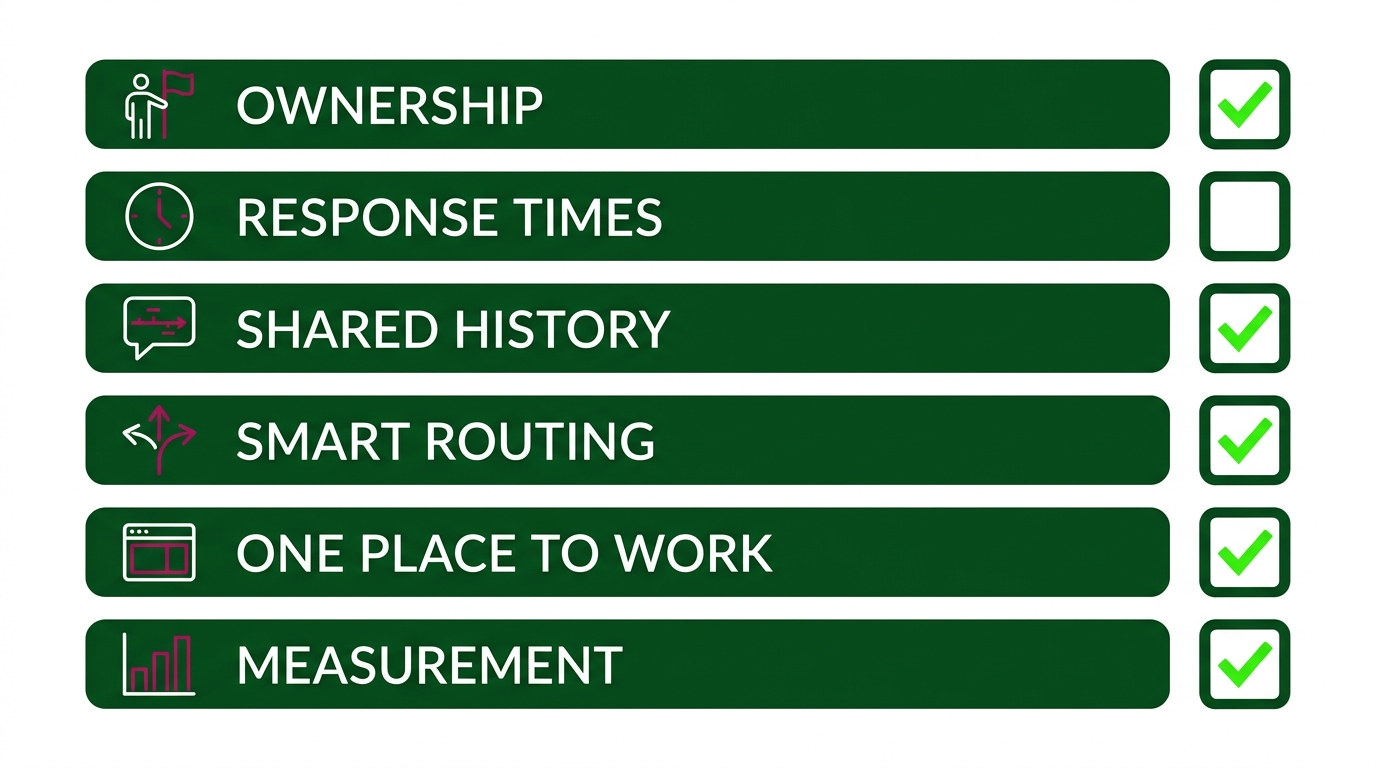
Every conversation needs one named owner and a status everyone can see. "Someone will get to it" is how messages die. When nobody owns a chat, nobody answers it.
Ownership doesn't mean one person does everything. It means at any moment, one agent is responsible for the next reply, and the rest of the team can tell at a glance whether a thread is open, waiting on the customer, or closed. Think of it like a kitchen ticket. A dish without a cook assigned just sits on the rail getting cold.
If a manager can look at your inbox and immediately say who's handling Dani's message and what stage it's at, give yourself a point.
Response time targets
Pick a first-reply target for each channel and write it down. Customers expect different speeds depending on where they message. A WhatsApp chat feels urgent, like texting a friend, so a reply within a few minutes during business hours is reasonable. An email can wait an hour or two without anyone blinking.
Just as important is your after-hours plan. You don't need staff awake at 3 a.m., but you do need an automatic acknowledgment that sets expectations. A simple "Thanks, we'll reply by 9 a.m." beats silence every time. The WhatsApp Business Platform supports automated greeting and away messages, so there's no excuse for leaving someone hanging overnight. You can see how those work in the official WhatsApp Business documentation.
Agreed targets per channel, plus an after-hours fallback? That's your point.
Shared conversation history
Any agent should be able to open a customer's thread and see the whole story, whatever channel it began on. This is the piece that would have saved Dani from repeating herself.
Shared history is the backbone of real customer conversation management. If your Instagram DMs live in one app and your WhatsApp chats in another, nobody can connect the dots. When a customer switches channels, which they do constantly, the next agent is flying blind.
The fix is a single record per customer that follows them across platforms. If Tuesday's agent can scroll up and read Monday's blue question without asking anyone, you've earned the point.
Smart routing
New messages and leads should land with the right person automatically. No screenshots in a group chat, no "hey, can you take this one?" Manual forwarding is slow, and things get dropped in the handoff.
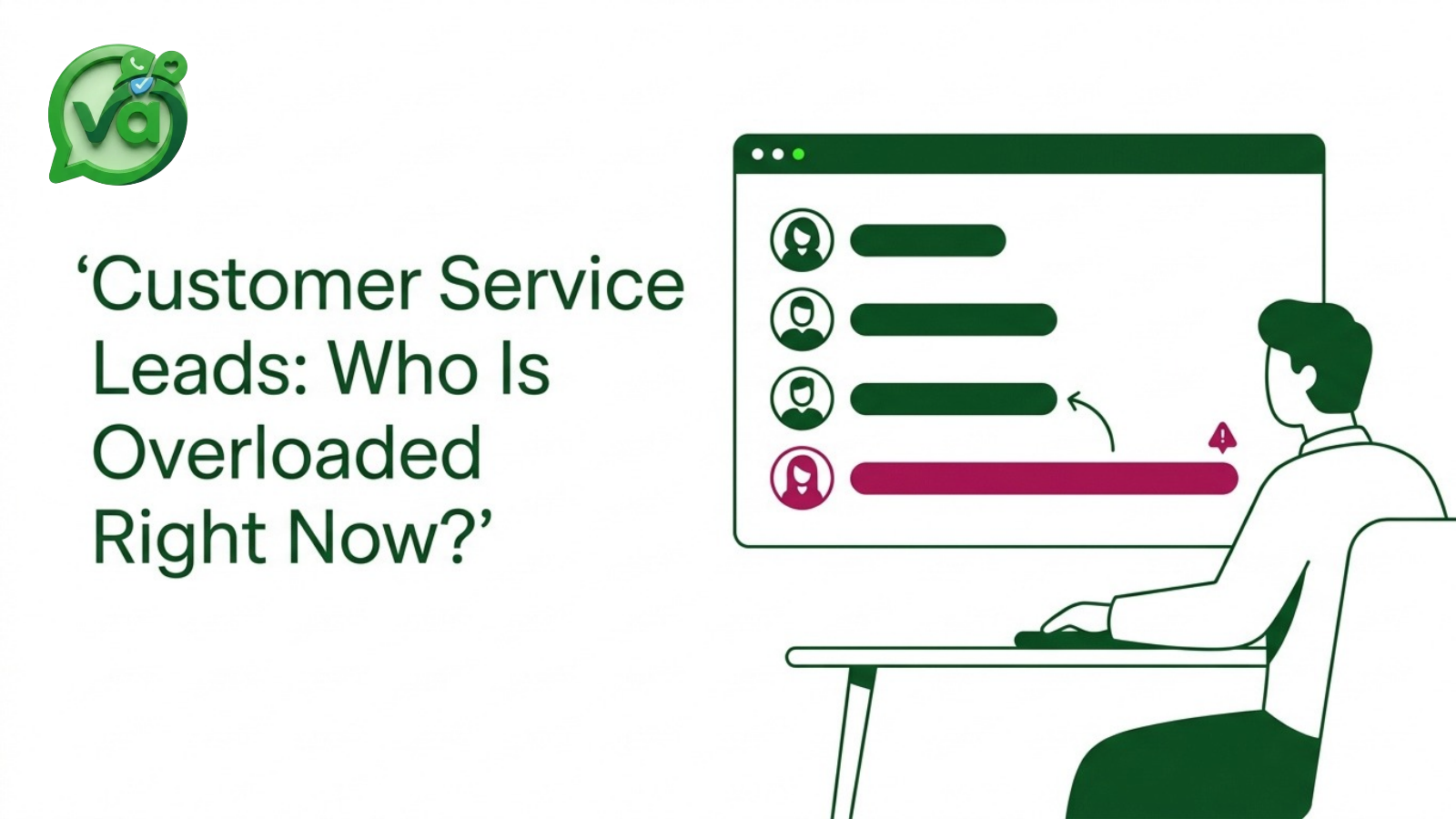
Smart routing sends a billing question to the billing agent and a sales inquiry to the sales rep, without a human playing traffic cop. It also balances load so one person isn't drowning while another sits idle. We've written more about how assignment works in practice, so I won't rehash it here. The short version: the right message, the right agent, no manual steps.
If messages route themselves based on channel, topic or availability, take the point.
One place to work
Give your agents a shared team inbox so they stop app-hopping. Switching between the Instagram app, WhatsApp Web and a Facebook tab all day is exhausting and error-prone. Every switch is a chance to miss a notification.
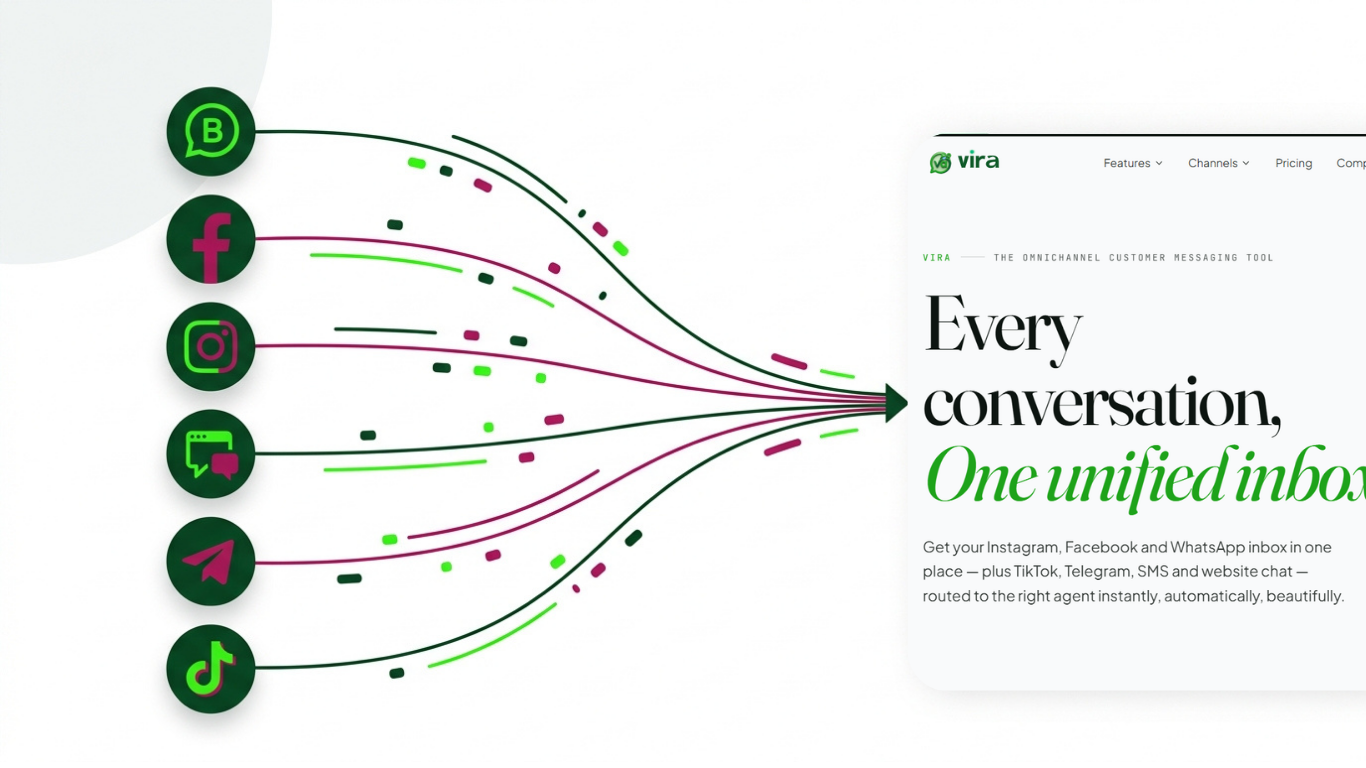
A unified inbox pulls all your channels into one screen. Agents work from a single window, replies go out faster, and the mental overhead drops. We dug into why this matters in our piece on how a unified inbox tames support chaos, and it's the single biggest quality-of-life upgrade most growing teams make.
If your team answers WhatsApp, Instagram and Facebook from one place instead of three, score the point.
Simple measurement
You can't improve what you don't watch. But you don't need a dashboard with forty metrics either. Three numbers tell you almost everything:
First response time: how long customers wait for a human reply.
Unanswered chats: messages that got no response at all.
Handoffs: how often a conversation bounces between agents before it's resolved.
Unanswered chats are the quiet killers. They rarely show up in revenue reports, but they're lost customers all the same. Watch that number weekly and you'll catch problems before they become reviews. If you're tracking these three consistently, that's your final point.
Score yourself
Add up your points. Here's a rough read:
5 to 6: You've got the foundation for genuine omnichannel support. Focus on polish and consistency.
3 to 4: You're half there. The gaps are probably in routing or shared history, which is where most teams stall.
0 to 2: Customers are falling through the cracks right now. Start with shared history and a single inbox, because everything else depends on them.
Be honest with the scoring. The point isn't a good grade, it's spotting where Dani gets dropped.
Where a unified inbox fits
Most of this checklist comes down to one thing: having all your conversations in a single, shared workspace. A tool like Vira.chat exists to do exactly that. It brings WhatsApp, Instagram and Facebook into one shared team inbox, so ownership is visible, history is shared, and smart routing sends each message to the right agent without anyone forwarding anything by hand.
That connected setup is what lets you hit response targets and keep the customer experience smooth even as your team grows. The tooling isn't the whole story, your process and people still matter most, but the right inbox removes the friction that makes good support hard. It turns customer conversation management from a juggling act into something your team can actually keep up with.
The thing I'd push back on is the idea that you need all six items perfect before you start. You don't. Fix shared history and single-inbox working first, and the other four get dramatically easier.
Dani's blue question should never have gone cold. With a few basics in place, it wouldn't have.
Save this checklist and score your team this week. Then pick the one lowest-scoring item and fix it before the next one. Small, steady, and your customers will feel the difference fast.