
November 11, 2026 · CHARITY
Customer Messaging: Add a Web Chat Widget to Your Site
Customer messaging should not stop at your website’s front door. Learn how a web chat widget sends visitor questions into the same inbox as every other channel.
Picture someone on your pricing page at 9pm. They've read everything twice, they're almost ready to buy, but one small thing is nagging them: does the plan include setup help? They look around for a way to ask. There's nothing. So they close the tab, tell themselves they'll come back later, and never do. Customer messaging that only kicks in on social apps quietly skips over people who are already on your website, wallet half open.
That gap costs more than most business owners realize. Let's fix it.
The visitors who leave without asking
Most website questions are small. Painfully small, actually. People want to know things like:
How long does shipping take to their region?
Is the thing they want actually in stock?
Does this feature work the way they think it does?
None of these are hard to answer. You could clear them up in ten seconds flat. The problem is that nobody's standing at the page when the question pops into the visitor's head. There's no one to ask, so the question never gets sent anywhere. It just evaporates.
And here's the frustrating part. These are warm visitors. They didn't land by accident. They clicked through, read your copy, got interested enough to have a specific question. That's a person leaning toward yes. A missing answer at that exact moment tips them back toward no.
What unanswered website questions cost you
The tricky thing about this kind of loss is that you can't see it. When someone sends you a message on WhatsApp and you ignore it, at least you know it happened. There's a record. A guilty little notification sitting there.
A silent exit leaves no trace. The visitor arrives, hesitates, leaves, and your analytics just shows one more bounce. You never learn that it was a lead who needed thirty seconds of reassurance. You never learn it was a sale that was one reply away from closing.
So the real cost isn't just the lost business. It's that you have no way to measure it, which means you never think to fix it. The leak stays hidden behind a number that looks normal. That's what makes it dangerous. You can't improve a problem you can't even see.
What is a web chat widget for customer messaging?
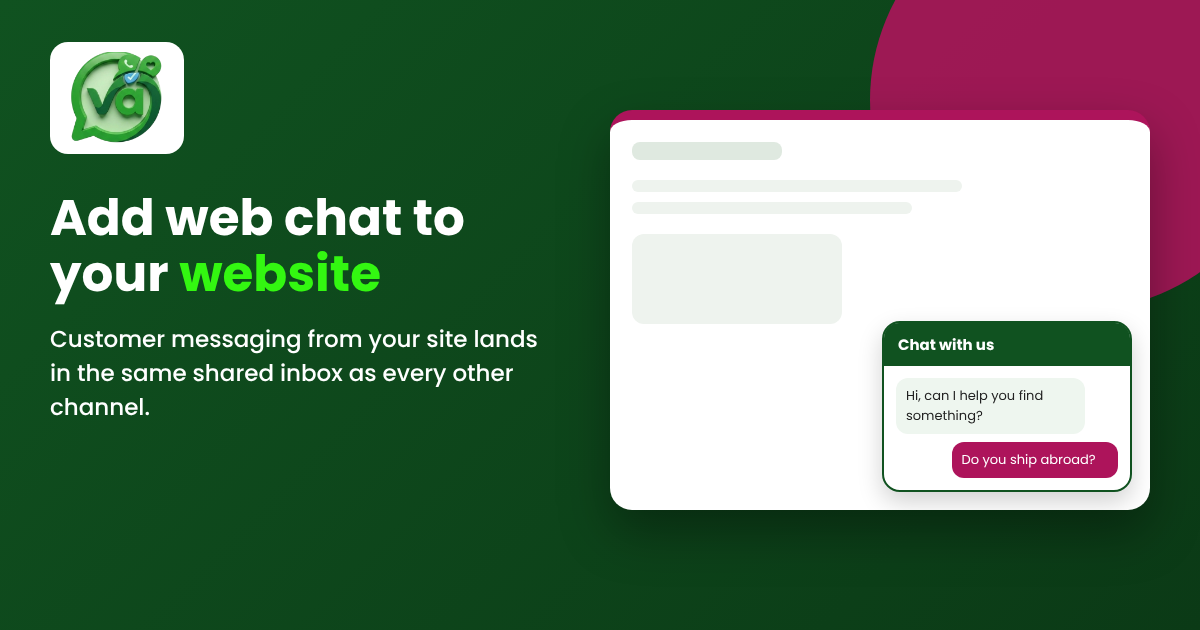
A web chat widget is a small chat window on your website that lets visitors message your team in real time. With Vira.chat, those conversations arrive in the same unified inbox as WhatsApp, Instagram, Facebook and TikTok, so your team handles customer messaging from one place instead of hopping between tabs and apps all day.
That last part matters more than it sounds. A chat widget on its own is useful. A chat widget that feeds into the same inbox as everything else is what actually keeps your team sane. No separate login, no extra tool to babysit, no "wait, which window was that conversation in?"
Web chat widget walkthrough: live in four steps
Here's the good news. Adding this to your site is genuinely quick. If you can copy and paste, you can do it. No developer required, no overnight project, no learning a new system.
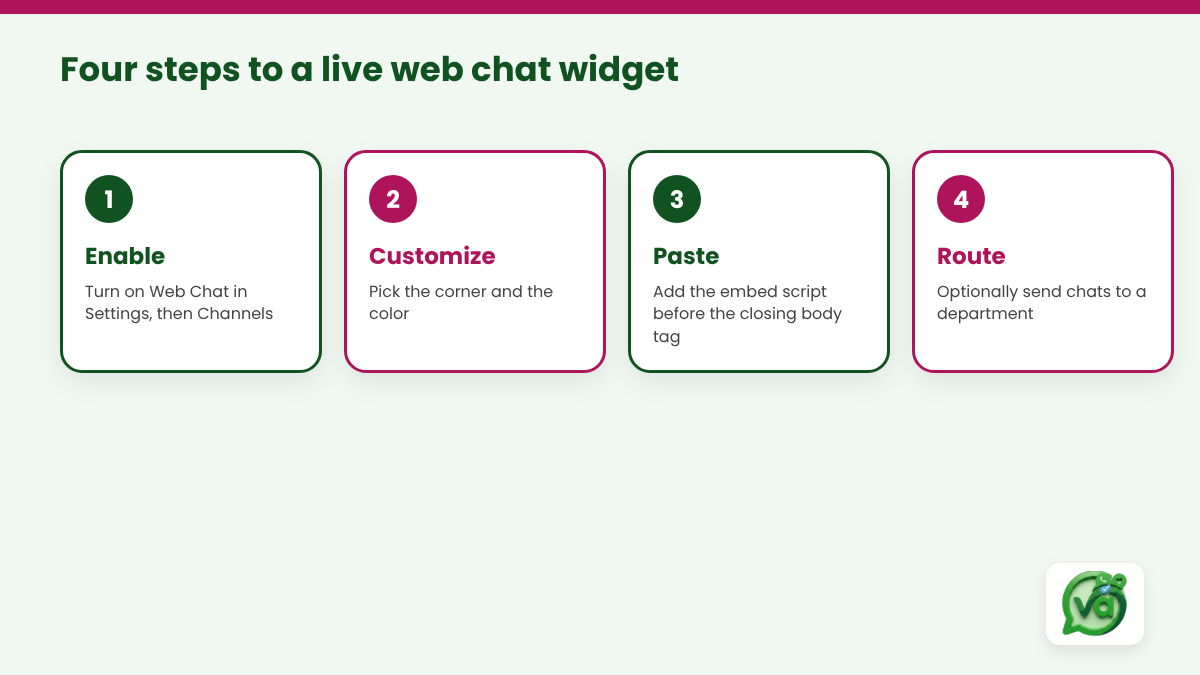
Open Settings, then Channels, and enable Web Chat. This is the same place you'd manage your other channels, so there's nothing new to find.
Vira generates a widget key. At this point you can pick where the chat bubble sits, bottom right or bottom left, and choose a color that matches your brand. Takes about a minute.
Paste the embed script just before the closing body tag of your site. If you use WordPress, Shopify, Webflow or almost any site builder, there's a spot for custom scripts in the theme or settings. Drop it in, save, and the widget appears.
Optionally assign a department. If you've got separate people handling sales and support, you can route web chats to the right team automatically so the right person picks up.
One thing worth pointing out: Web Chat needs no API keys. The other channels like WhatsApp and Instagram require you to connect through their platforms, which takes a bit more setup. Web Chat is the exception. It's your own site, so there's nothing to authorize. Enable it, paste the script, and you're taking messages.
If you're not sure where your site's closing body tag lives, most platforms document this clearly. The MDN web docs on the body element are a solid, plain reference if you want to understand exactly what you're pasting into and why it goes where it goes.
Why the shared inbox is the real win
Let me be honest about my bias here. Plenty of tools will give you a chat bubble. What separates a decent setup from a frustrating one is where the conversations land.
Imagine the alternative. You've got WhatsApp open on a phone, Instagram DMs on someone's personal login, Facebook messages going to whoever happens to notice, and now a website chat tool that lives in its own little dashboard. That's four places to check, four places to miss something, four places where a customer waits too long and gives up.
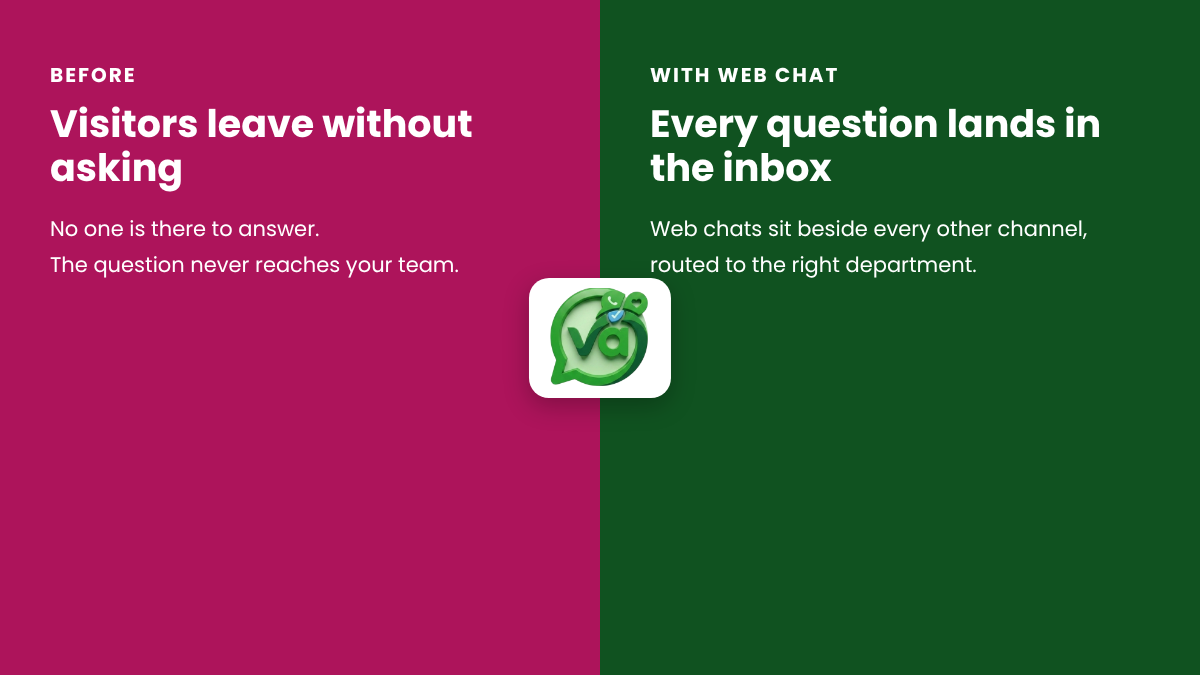
With a shared inbox, the website chat sits next to everything else. A visitor message from your pricing page shows up in the same stream as a WhatsApp order and an Instagram comment. Your support lead sees it all in one view, assigns it, replies, and moves on. When the whole team works from one inbox, nothing falls through the cracks because there are no cracks to fall through.
This also changes how a small team scales. You don't need one person glued to each channel. You need one person watching one inbox. That's the difference between customer messaging feeling like a chore and feeling like something you've actually got a handle on.
A few practical tips before you launch
Turning the widget on is step one. Making it useful is step two. A couple of things I'd suggest from watching teams do this:
Set expectations in the greeting. If you reply within a few hours rather than instantly, say so. A short line like "We usually reply within the hour" is better than silence that makes people think you're staffed around the clock.
Keep the first message friendly and specific. "Hi, questions about pricing or shipping? Ask away." beats a generic "How can we help?" because it nudges people toward the exact things they were already wondering about.
And don't over-automate on day one. You can add canned replies and routing later. Start by actually answering people, see what they ask most, and build from there. The patterns show up fast once the widget is live.
The whole point is to meet people at the moment they're curious, not an hour later when they've moved on. A website visitor with a question is one of the warmest leads you'll ever get. The only thing standing between that question and your reply is a small chat window you haven't added yet.
So add it. The setup takes less time than reading this post did, and the first conversation that would've otherwise walked away pays for the effort many times over.
Ready to stop losing visitors at the front door? Add the Vira.chat web chat widget, bring every conversation into one place, and see how much smoother customer messaging feels when it all lives in a single inbox. Start your 14 day free trial and have it live on your site this afternoon.