
November 10, 2026 · CHARITY
Business Messaging: 10 Saved Replies Every Team Needs
Business messaging gets easier when your team saves its top ten answers. Here are the ten canned replies to write first and how to keep them sounding human.
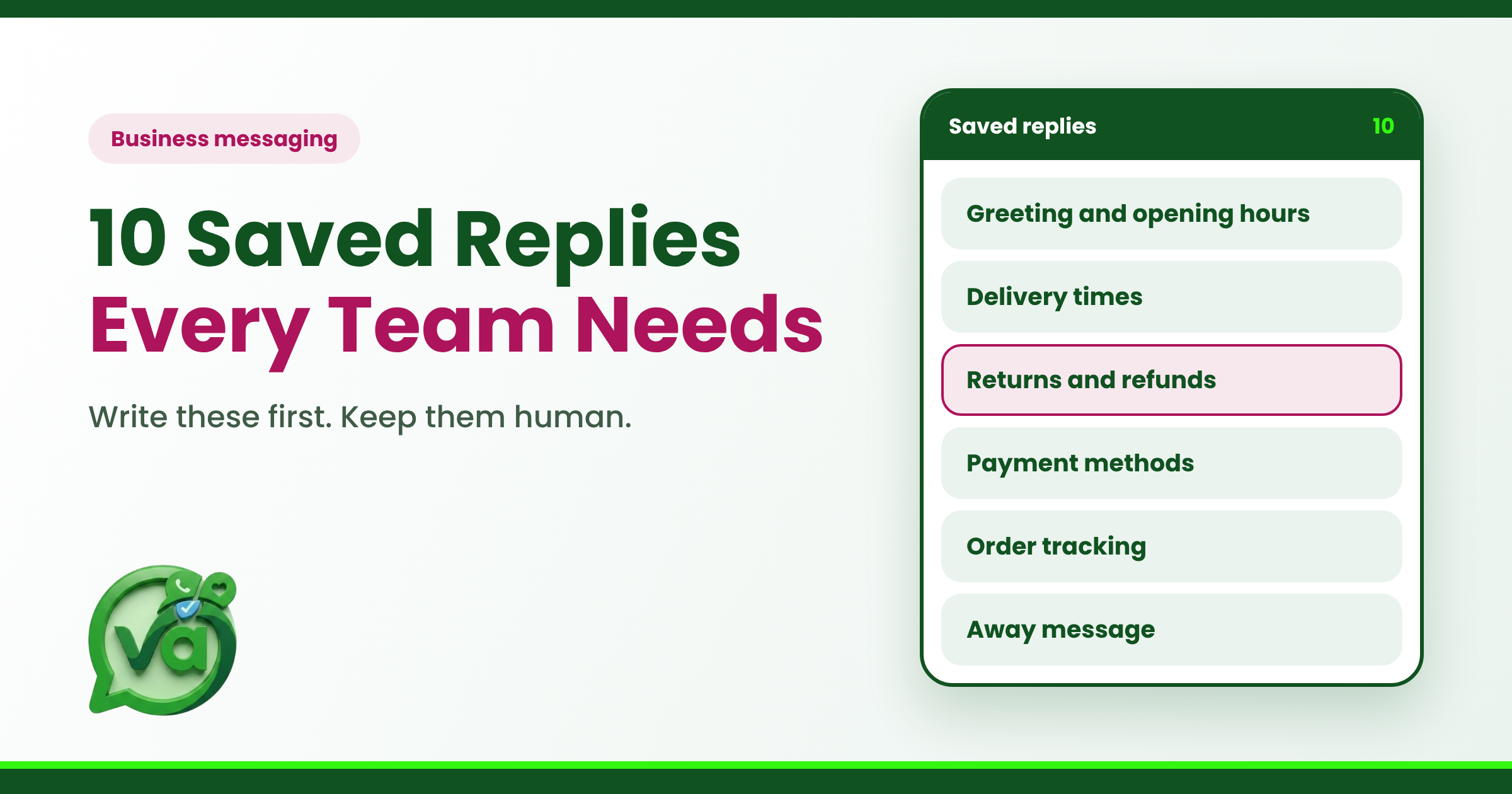
If you read back through your team's chats this week, I'd bet money you'd find the same questions popping up over and over. "What are your hours?" "Where's my order?" "Can I get a refund?" Good business messaging isn't about answering each of these from scratch every single time. It's about writing the answer once, writing it well, and reusing it whenever it comes up. That's where saved replies earn their keep.
Most support teams know they should set these up. Few actually sit down and do it. So let's fix that. Below are the ten saved replies I'd write first, plus a few notes on keeping them from sounding like a robot wrote them.
Why Saved Replies Matter More Than People Think
A saved reply, sometimes called a canned response, is just a pre-written message your team can drop into a conversation with a click. Nothing fancy. But the time it saves adds up fast.
Say your team handles 200 chats a day and 60% of them touch one of these common questions. If each saved reply shaves even 30 seconds off a response, that's an hour of your team's time back every single day. Over a month, that's roughly 20 hours you've reclaimed without hiring anyone.
The catch is that canned replies get a bad reputation when they're used lazily. A stiff, copy-pasted wall of text makes customers feel like they're talking to a vending machine. The trick is writing them so well that nobody can tell they were saved at all.
Which Saved Replies Should Business Messaging Teams Write First?
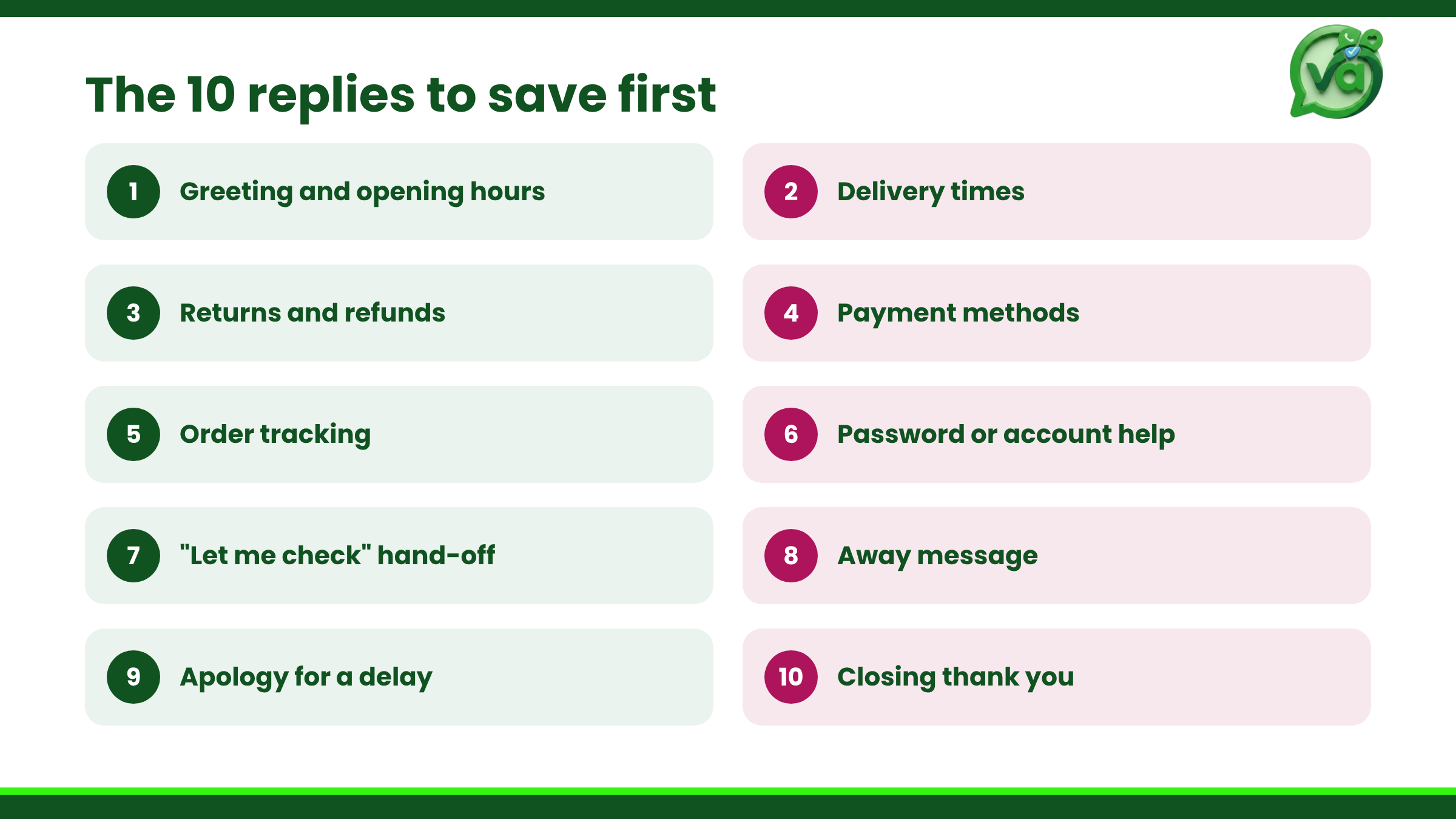
You don't need fifty templates on day one. Start with the ten that cover the bulk of your incoming questions. Here's my list, in the order I'd tackle them.
1. The Warm Greeting
Your opener sets the tone for everything after it. Keep it friendly and quick.
"Hey there, thanks for reaching out. Give me one second to pull up your details and I'll be right with you."
This buys your agent a moment to read the ticket without leaving the customer staring at silence.
2. The "Got Your Request" Acknowledgement
When someone sends a longer message, they want to know it landed. A short confirmation goes a long way.
"Got it, I've read through everything. Let me look into this and I'll get back to you shortly."
3. Order or Delivery Status
For any business that ships things, "where's my order?" is the single most common question in customer support. Write a reply that leaves room to drop in a tracking link or a date.
"Happy to check on that for you. Your order's on its way and should arrive by [date]. Here's your tracking link: [link]."
4. Refund or Return Policy
This one needs to be clear and kind, because the person asking is often already a little frustrated. State the policy plainly, then offer to help.
"Of course, we can sort out a return. Items can be sent back within 30 days as long as they're unused. Want me to start that for you?"
5. Pricing Question
People ask about cost constantly. Give a straight answer and avoid making them hunt for it.
"Great question. Our plans start low and scale with your team size. I can send over a full breakdown, or point you to the exact plan that fits you best. Which would you prefer?"
6. Business Hours and Response Times
Setting expectations early saves you angry follow-ups later. This is especially useful outside working hours.
"Thanks for your message. Our team's online [days and hours], and we usually reply within a couple of hours. I'll make sure this gets picked up as soon as we're back."
7. Troubleshooting First Steps
If you offer any product with a login or an app, you'll get technical questions. A first-steps reply handles the easy fixes before a human has to dig in.
"Let's try the quick fixes first. Could you log out, clear your cache, and log back in? Tell me if that sorts it, and if not we'll go deeper."
8. Escalation Handoff
Sometimes a chat needs to move to another person or team. A clean handoff message keeps the customer from feeling abandoned.
"This one's best handled by our [team] specialists. I'm passing you to them now, and I've shared everything we've talked about so you won't need to repeat yourself."
9. The Follow-Up Nudge
When a customer goes quiet mid-conversation, a gentle check-in reopens the door without being pushy.
"Just circling back on this. Are you still having trouble, or did we get it sorted? Happy to keep helping either way."
10. The Sign-Off
End on a warm note. It's the last thing they'll remember.
"Glad I could help. If anything else comes up, you know where to find us. Take care."
How to Keep Canned Replies Sounding Human
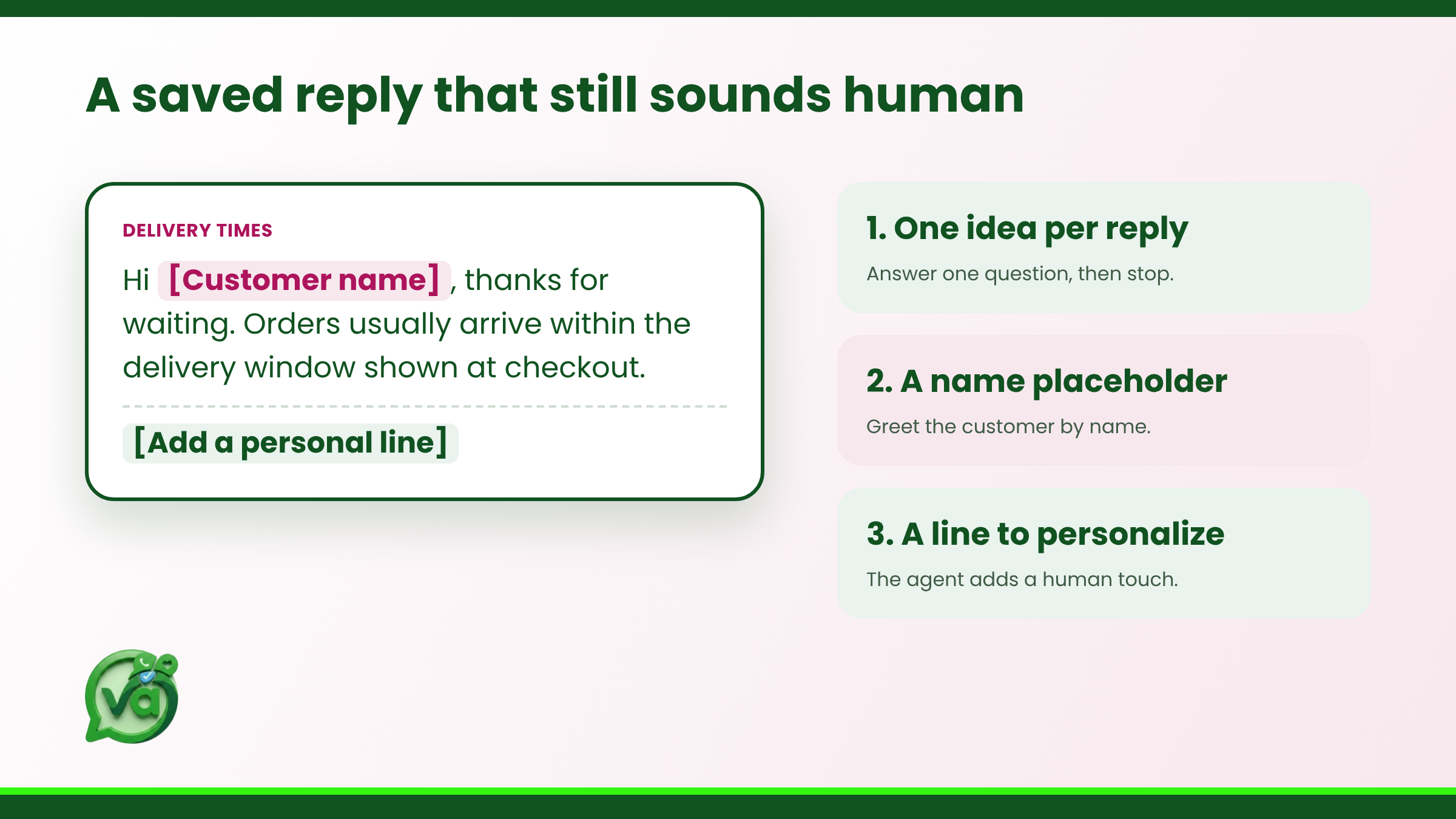
Here's the part most guides skip. A saved reply is a starting point, not a finished sentence. The best teams treat these templates like a first draft they personalize in the moment.
A few habits make all the difference:
Use the customer's name. "Hey Sam" beats "Hey there" every time.
Edit one line. Change a word or add a detail from their actual message so it reads as a reply, not a script.
Match their energy. If they're casual, loosen up. If they're formal, dial it back.
Drop the corporate filler. Phrases like "we value your inquiry" fool nobody.
The goal of strong business messaging is that your customer never once suspects they got a template. They just feel heard and helped quickly. If you want a deeper look at how tone shapes those interactions, the Nielsen Norman Group's research on customer support is worth a read.
Where Saved Replies Live in a Shared Inbox
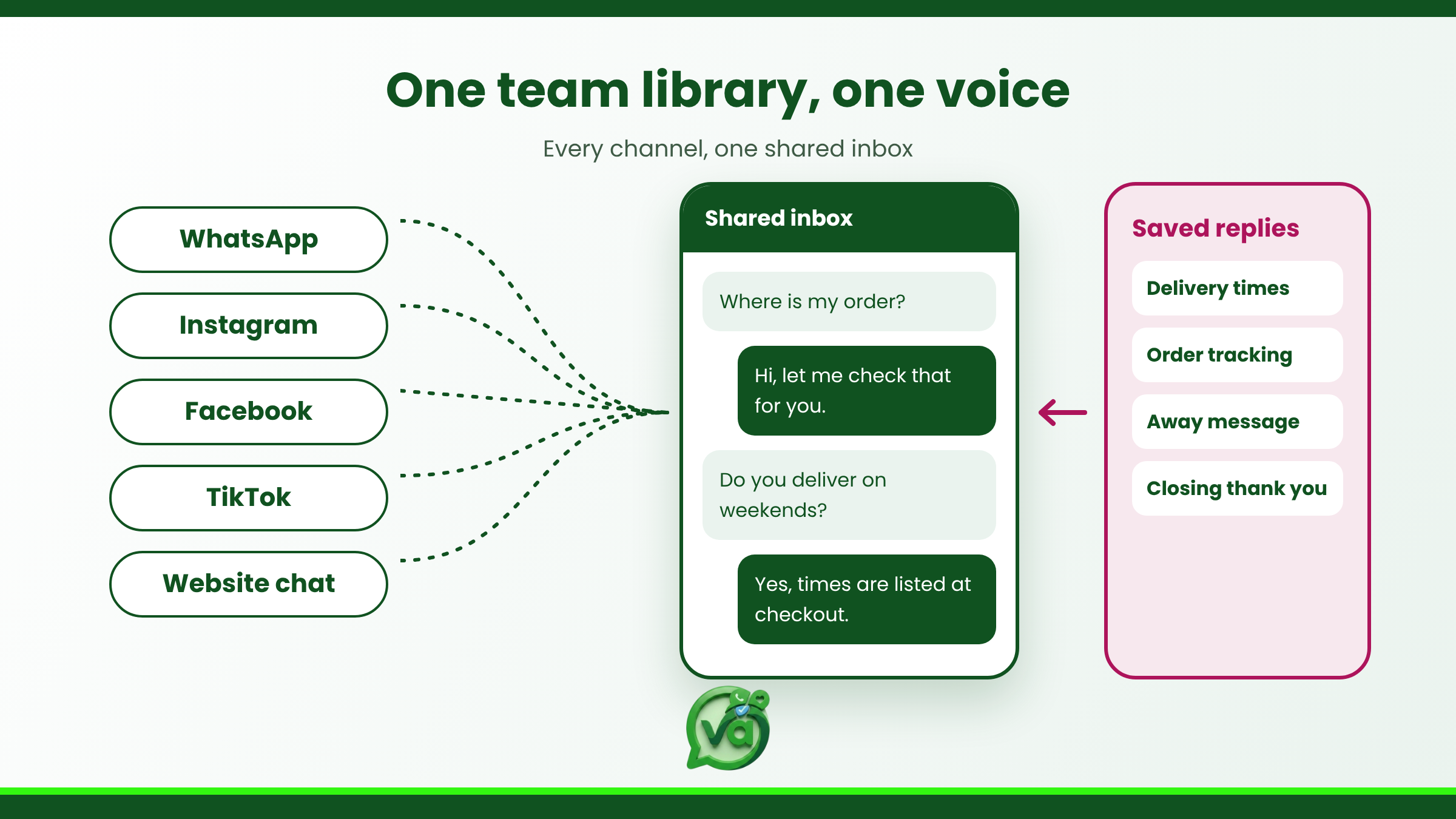
A pile of saved replies scattered across people's notes apps does nothing. They work when they live inside the tool your whole team actually uses, ready to pull up without breaking stride.
That's the whole point of a unified setup. When every conversation from every channel lands in one place, your saved replies sit right there alongside them. Anyone on the team can use them, update them, and stay consistent. We've written more about this in our guide to keeping a shared team inbox organized, and about how customer messaging stays consistent when everyone works from the same library.
A shared library also means your newest hire sounds as sharp as your most senior agent on day one. No guessing, no "how do we usually word this?" Just proven answers, ready to go
Make Your Replies Do the Heavy Lifting
The teams that win at business messaging aren't the ones typing the fastest. They're the ones who've figured out that most questions have a right answer already, and they've saved it somewhere smart. Write your ten, refine them over a few weeks, and watch your response times quietly shrink.
If you're ready to put your saved replies to work, Vira.chat brings all your business messaging into one shared inbox so your whole team can reply faster and sound human doing it. Give your canned replies a proper home, and let your team get back to the conversations that really need a person.